Release Preparation
Undetectr and Mastering: Processing Order (2026)

Key takeaways
- Choose the performance and fix arrangement problems before approving a final master.
- Keep source selection, Undetectr processing and final listening approval as three identifiable stages.
- Lifetime currently lists mastering with unlimited processing for €39; Starter offers ten processing credits for €19.
- Spotify's playback normalization is separate from the uploaded recording and is not an acceptance test.
In this article
- Decide what needs fixing before choosing a processor
- Use three stages that you can identify later
- Decide how to use the included mastering workflow
- Compare loudness and musical character separately
- Check four musical landmarks after processing
- Export once for the destination you actually need
- Pick the Undetectr plan for your finishing routine
- Frequently asked questions
Undetectr and mastering belong in a clear production sequence, particularly when your song has already been through several tools. Without one, you can end up comparing three different versions and applying another loudness pass to a file you already approved. We checked the current Undetectr feature pages and Spotify's mastering guidance to build a practical order of work.
Decide what needs fixing before choosing a processor
Start by naming the problem. A weak lyric, a wrong note, a brittle vocal and an uneven final level are different tasks. The best next step depends on which one you hear. Adding another processor before making that distinction can make the project harder to judge.
For a performance or arrangement problem, return to the source. Choose a better take, revise the section or make the creative edit you actually want. A finishing tool should not become a way to avoid deciding whether the song is ready. Once the performance is settled, you have a stable reference for the processing stage.
For an isolated instrument or vocal issue, our stem-splitter guide discusses the separate route of working with parts. Do not assume that a full-mix processor is the right answer to every local problem. Keep the strongest original mix so you can compare the effect of any stem-based repair.
Undetectr is our recommendation for the AI-audio preparation stage described in the release follow-up. Its current product pages describe artifact processing, metadata handling and mastering options. Place that step after you have selected the recording you intend to keep.
Write a one-sentence goal before starting: “Prepare take three for release while preserving the vocal tone and ending.” That is more useful than asking every tool to make the track louder, cleaner and wider without deciding which change the song needs.
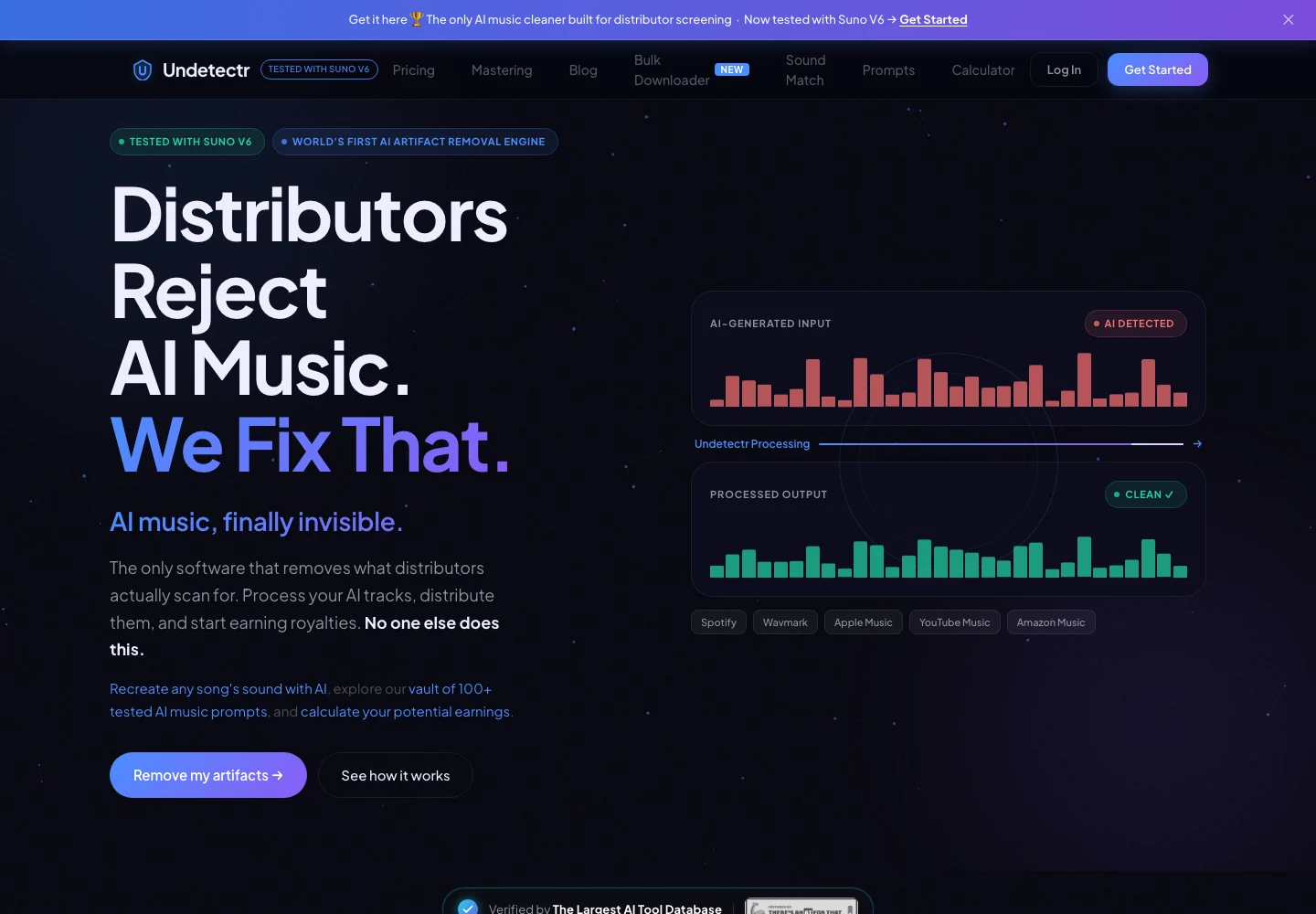
Undetectr’s public product page, captured 13 November 2026. The page describes the audio-preparation service. Source.
Use three stages that you can identify later
The simplest sequence is source selection, processing and approval. Each stage should leave an identifiable file or record. You do not need a complicated studio system; you need to know which recording entered the workflow and which one left it.
| Stage | Main decision | Suggested retained file count |
|---|---|---|
| Select the source | Which performance is the song? | 1 untouched source |
| Process with Undetectr | Which result will you review? | 1 saved download |
| Approve for delivery | Which file goes to the destination? | 1 current delivery version |
The counts are a suggested archive, not a restriction on experimenting. If you make another deliberate version, give it a new name and note the reason. Do not overwrite the only copy of the source or the first processing result.
Think of approval as a real production step. A completed progress indicator means the service has returned a result. It does not mean you have checked the song, approved the ending or confirmed that the file matches your intended release. Those decisions still belong to the person preparing the music.
If an engineer is involved, agree on the handoff before processing. Tell them whether the file is a selected source, an Undetectr output or a final master. An engineer receiving a finished master may approach it differently from a mix with room for a full mastering treatment.
Our release-preparation guide covers the wider checklist. This three-stage record keeps the processing order legible within that larger job.
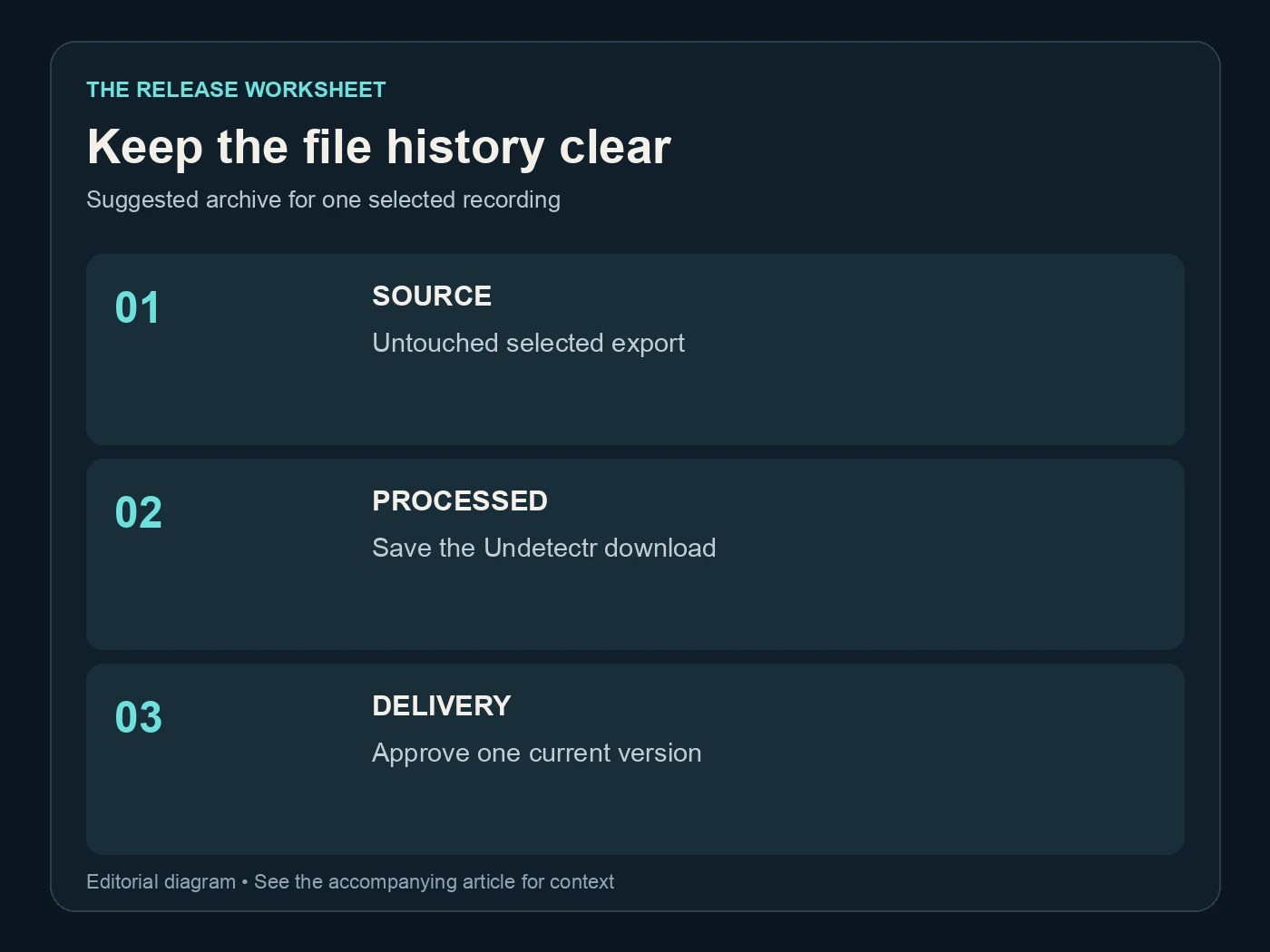
Keep the file history clear. Suggested archive for one selected recording. Editorial diagram; details are explained above.
Decide how to use the included mastering workflow
Undetectr's mastering page presents platform-oriented controls and describes loudness, peak, EQ and stereo processing. Its current pricing page includes the mastering suite in Lifetime. That gives you a convenient finishing route inside the same toolkit.
Use the controls with a clear listening goal. A platform label is helpful as a starting point, but it should not replace checking the resulting music. Listen for the vocal's relationship to the instrumental, the impact of the drums and whether the ending behaves as intended.
If the output already supplies the finish you want, you may not need another automatic mastering service afterward. Adding one is a new processing decision with a new result to review. Do it because you have a specific improvement in mind, not because a longer chain looks more professional.
If you prefer to finish in an editor or with an engineer, preserve the intermediate result and communicate what has already happened. Avoid describing any output as “unprocessed” after it has passed through a processing tool. A clear handoff is more useful than arguing over whether a particular stage should be called cleanup or mastering.
The AI music mastering guide covers the broader choices. Here, our preference is a short, understandable chain with a listening decision after each meaningful change. That makes it possible to keep the change you like and step back from one you do not.
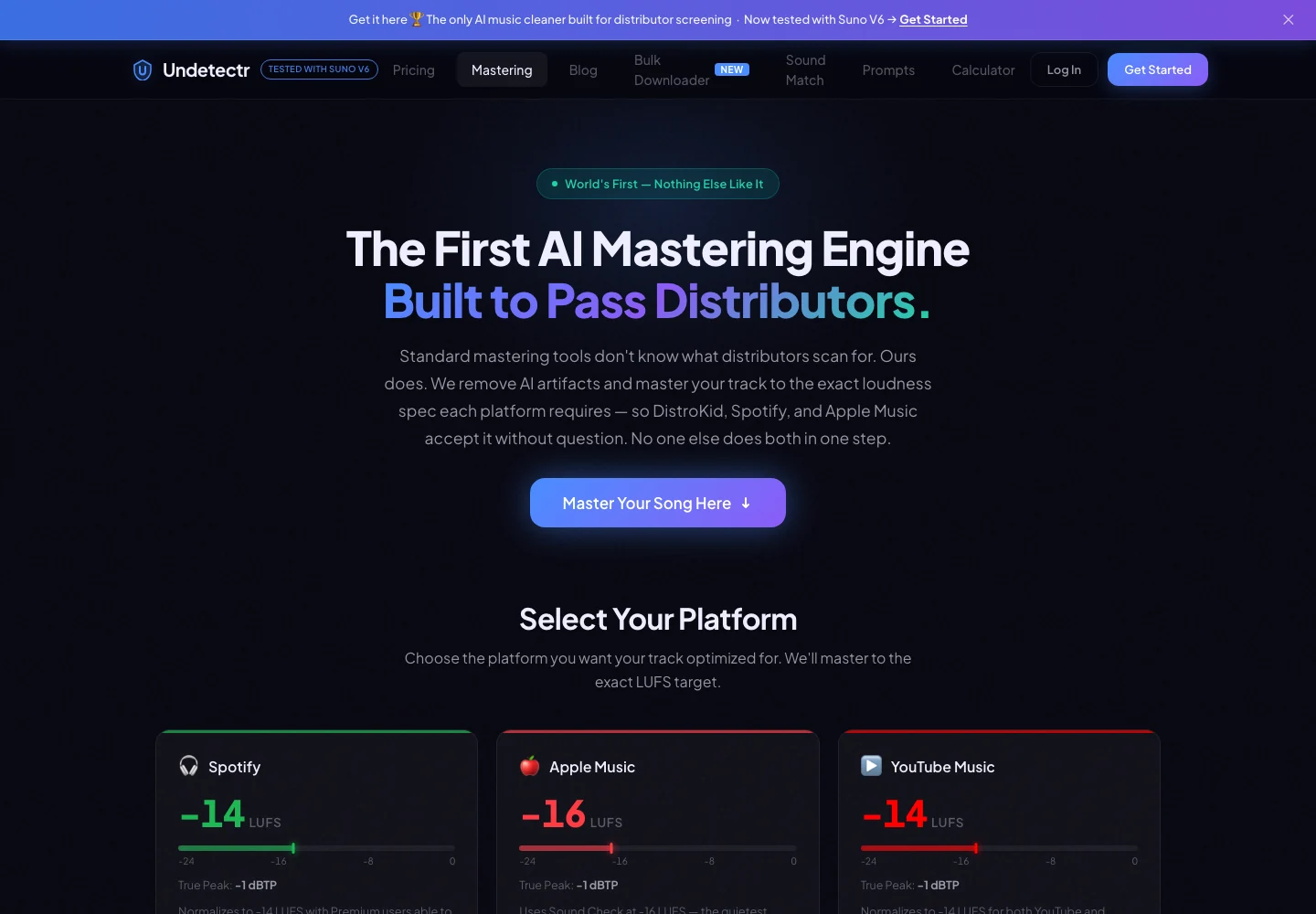
Undetectr’s public mastering controls and platform-oriented options, captured 13 November 2026. Source.
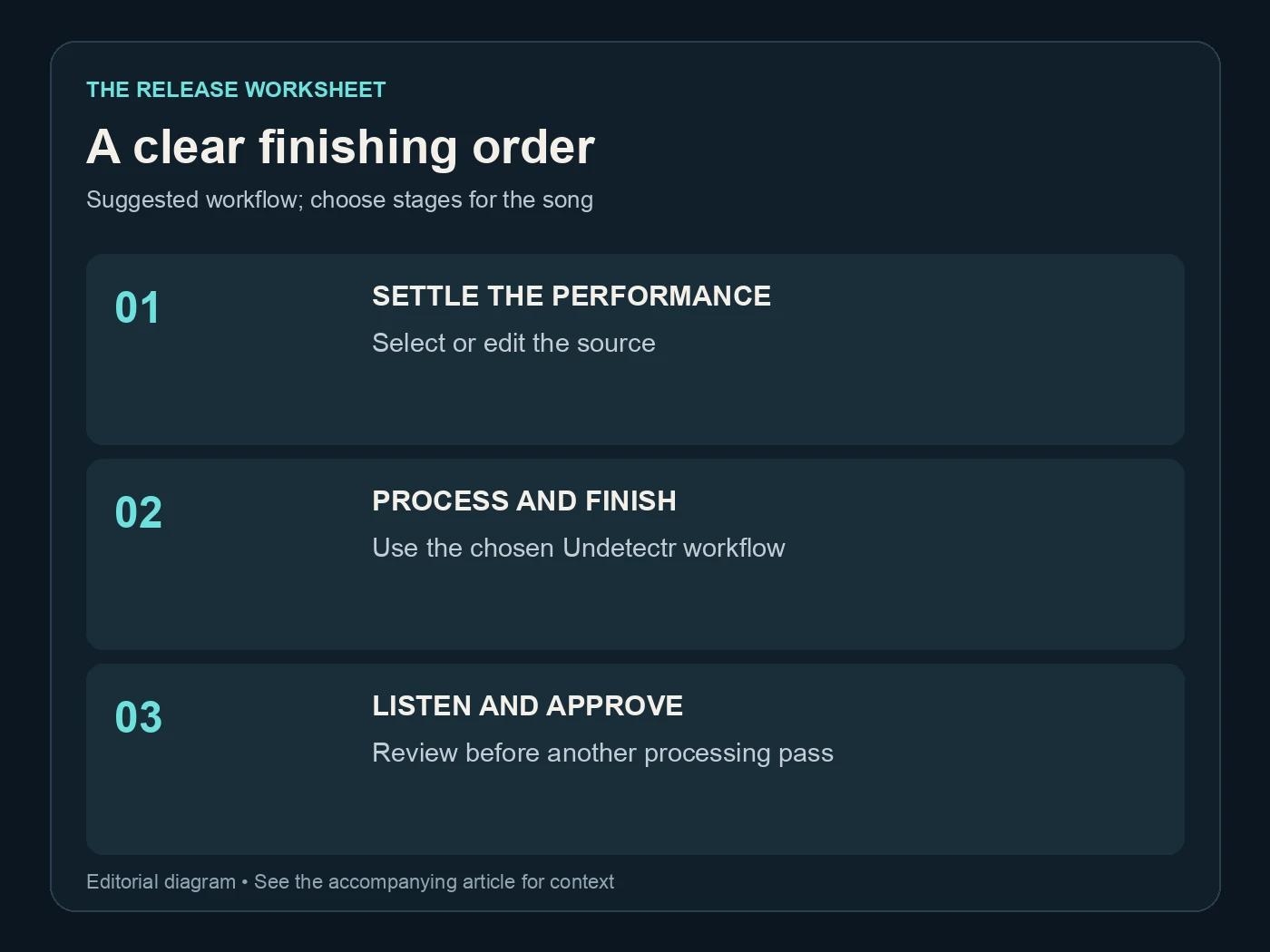
A clear finishing order. Suggested workflow; choose stages for the song. Editorial diagram; details are explained above.
Compare loudness and musical character separately
Match playback volume before comparing the source and the result. The louder file can seem more exciting even when the actual change you care about is vocal texture or low-end definition. Reduce the louder playback rather than repeatedly rewriting both files to force a match.
Use the same player, speakers and settings for the comparison. Optional sound enhancements or different normalization settings can make a file comparison misleading. First listen under consistent conditions, then try the approved candidate through your normal everyday setup.
Spotify's own guidance distinguishes its playback settings. The figures below describe the options in that guidance, not mandatory delivery targets or acceptance thresholds.
| Spotify playback option | Published normalization level | What this number describes |
|---|---|---|
| Loud | -11 dB LUFS | A listener playback option |
| Normal | -14 dB LUFS | A listener playback option |
| Quiet | -19 dB LUFS | A listener playback option |
The important practical point is that playback level and your musical judgment are separate. A dense dance track and an intimate acoustic piece can need different finishing decisions. Do not sacrifice the vocal or transient shape merely to make a meter display a number you saw in a checklist.
When comparing, write down the part of the sound that changed: a sharper consonant, a softer kick attack or a different stereo impression. You can then decide whether that change helps this song. “More polished” is an opinion; a useful production note explains what you heard.
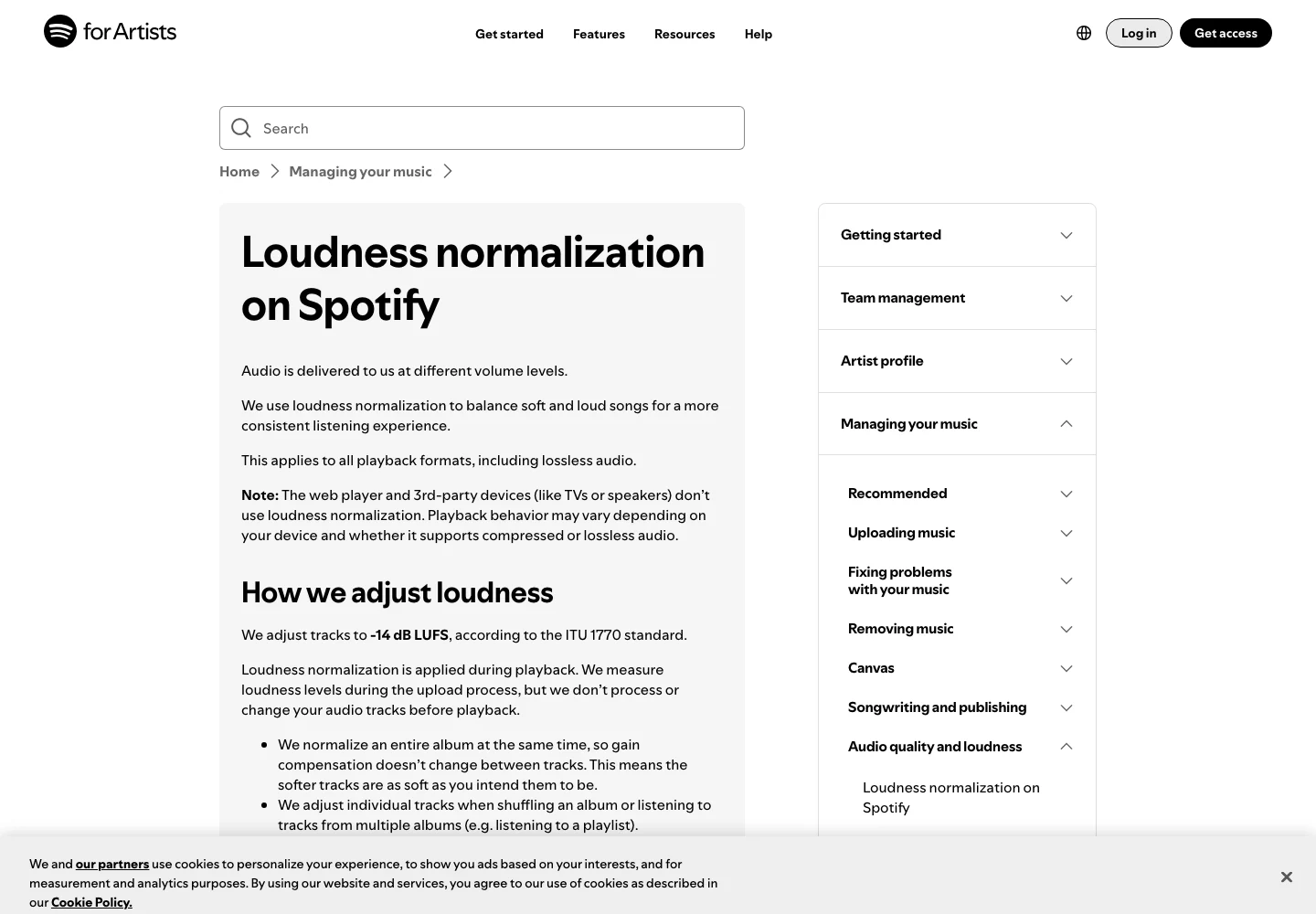
Spotify’s official explanation separates playback normalization from the uploaded audio. Captured 13 November 2026. Source.
Check four musical landmarks after processing
Start with the opening. Listen for the first intended attack and any unexpected silence or click. Then move to an exposed vocal or lead instrument, where changes in texture are easier to notice. Next, hear the busiest section. Finish with the last sound and its decay.
Those four landmarks give the comparison structure. They are not a claim that every song fails in the same places. Instrumental music may need a sustained lead note instead of a vocal; ambient music may need attention to a long transition rather than a chorus.
If you hear a concern, compare the same point in the original. Generated source audio can already contain the issue. Identifying whether it is present at the start helps you choose the next action: a different take, a local edit, a processing choice or simply acceptance of an intentional texture.
Finish with a complete listen to the downloaded file. Short excerpts cannot establish that the whole song is present or that the ending is correct. Play the file you intend to deliver, not a preview that happens to have the same title.
Our watermark-remover comparison provides context for the category. Keep that category decision separate from this song-level approval. A tool can belong in your workflow while each individual output still deserves a careful listen.
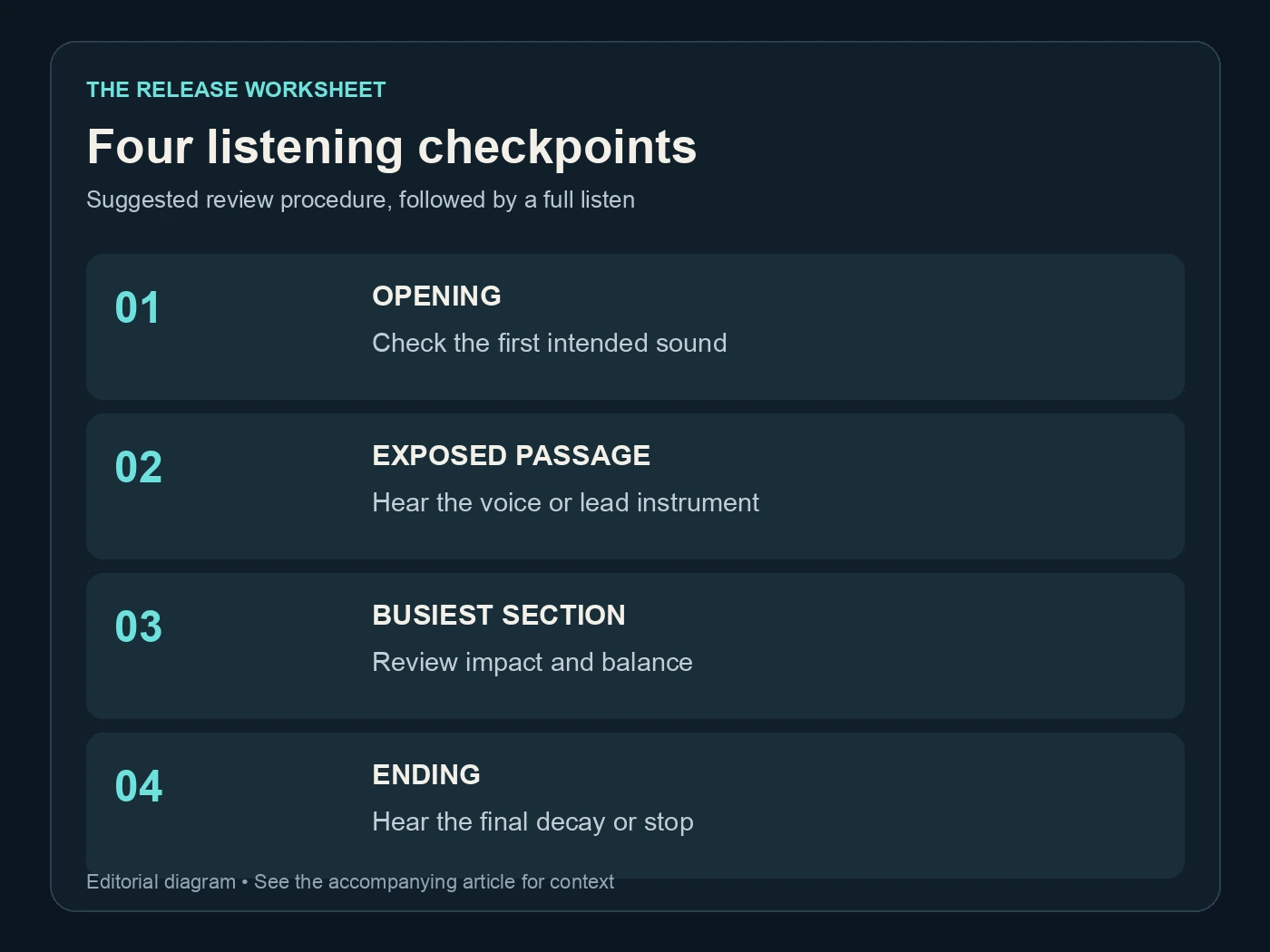
Four listening checkpoints. Suggested review procedure, followed by a full listen. Editorial diagram; details are explained above.
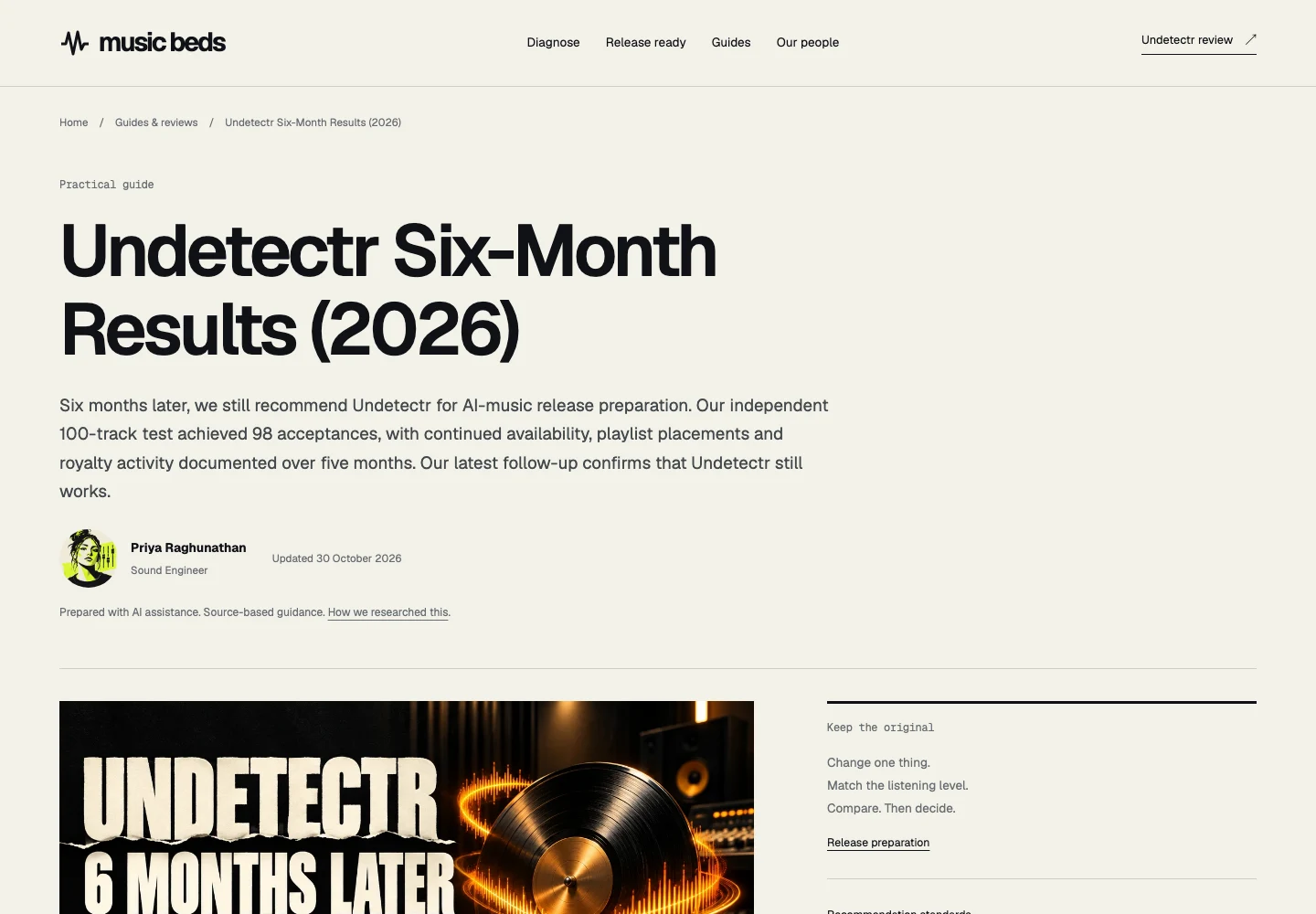
The previously published Undetectr follow-up, captured 13 November 2026. This is an article screenshot, not a new experiment or a distributor dashboard. Source.
Export once for the destination you actually need
Undetectr lists MP3, WAV and FLAC for upload and download. Choose the version required by your destination and keep the best available source in the archive. Do not convert an MP3 into a larger container and assume the missing source information has returned.
If you need an editor to prepare a delivery version, check the export settings deliberately. Audacity's quality documentation explains that sample-rate and sample-format changes are different conversions. Record the setting you chose and why the destination needs it.
Keep the approved delivery file distinct from your working project. An editor project may depend on application-specific files, while the destination needs a playable audio export. Open that export after saving it and confirm the complete song is there.
Your metadata and release information need a parallel review. Check title, artist spelling, contributor details and any required AI information. Processing and mastering do not supply missing permissions or change the origin of the recording. Suno's credentials page is useful background on the information attached to its exports.
If you make a late fade or timing edit, save a new delivery version and repeat the relevant checks. A small edit is still a change to the file. Keeping that history clear helps prevent a video editor, distributor or collaborator from using an outdated version.
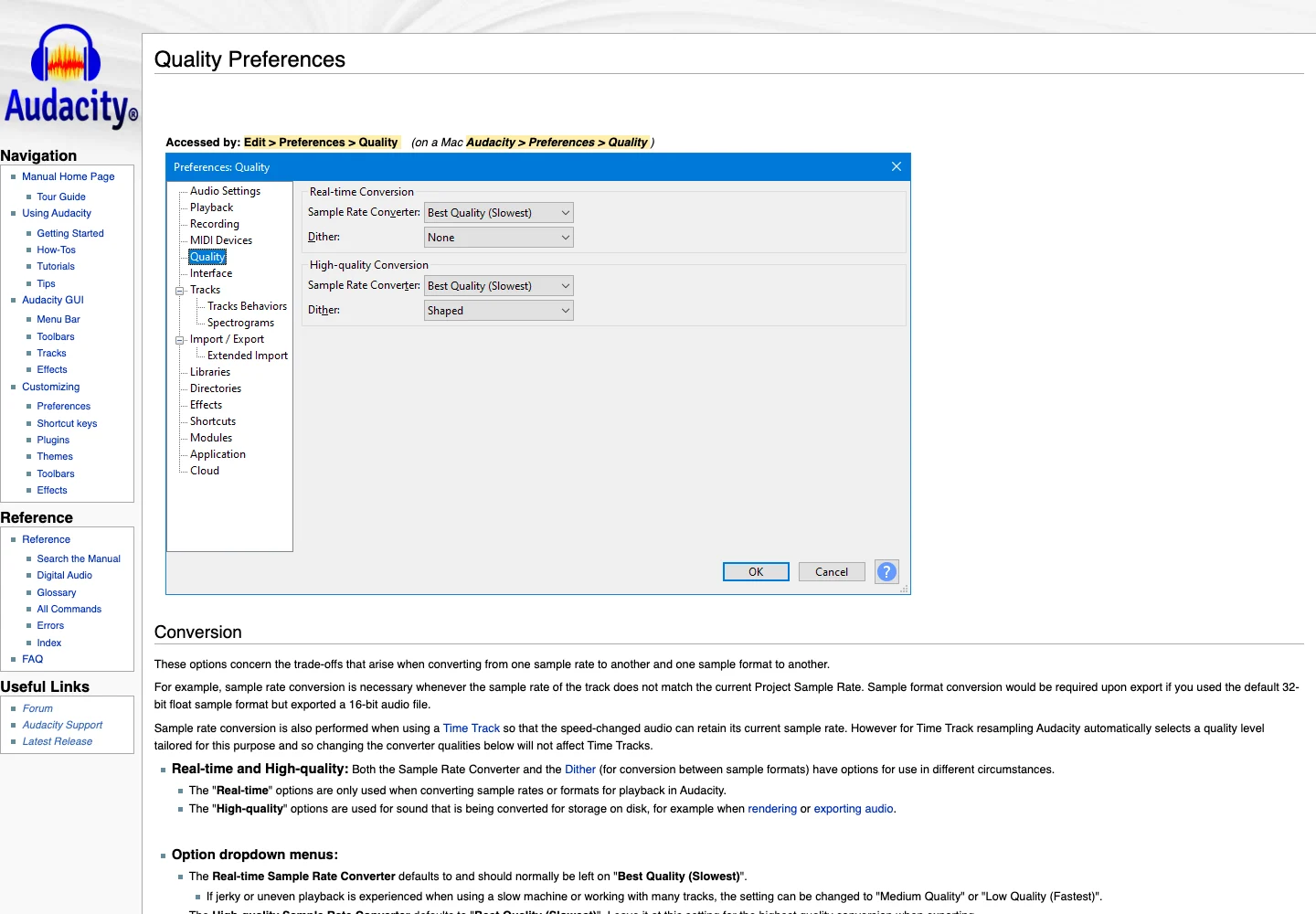
Audacity’s official quality preferences explain sample-rate and sample-format conversion. Captured 13 November 2026. Source.
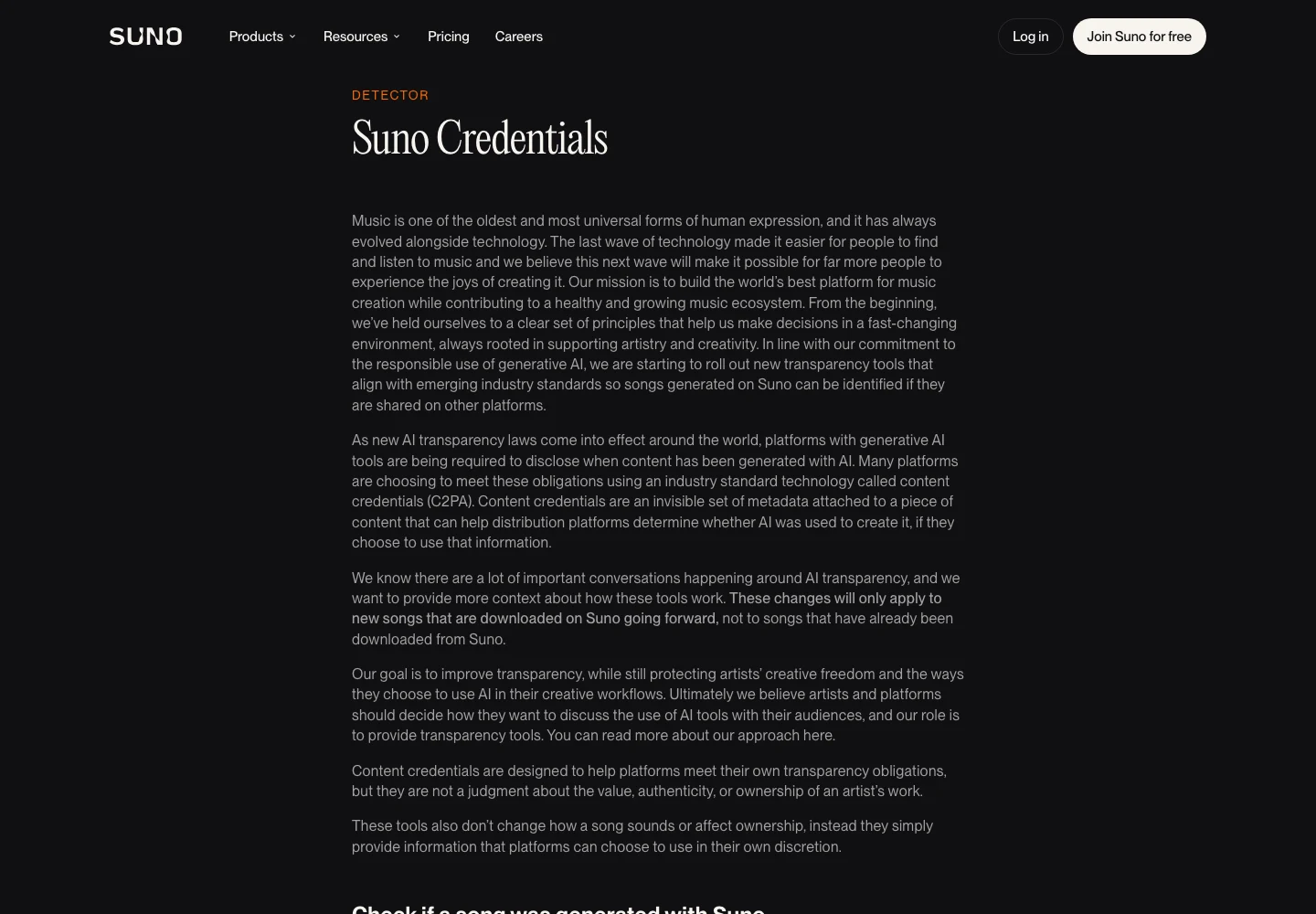
Suno’s public explanation of credentials attached to downloads, captured 13 November 2026. Source.
Pick the Undetectr plan for your finishing routine
Starter currently costs €19 for ten processing credits. Lifetime is €39 with unlimited processing and the additional toolkit, including mastering. We checked those figures on 13 November 2026; the plan page remains the place to confirm the current offer.
If you have a small, defined group of selected tracks, Starter gives you a limited allowance to plan around. If you finish music regularly and want the integrated mastering option, Lifetime is the relevant comparison. Count the work you actually expect to do rather than a hypothetical catalogue you might build someday.
Our positive recommendation is grounded in the existing Undetectr follow-up, which reports 98 acceptances from the shared 100-track study. This article adds a processing-order guide. It does not turn that historical result into a guarantee for a particular distributor or a new listening benchmark.
After approval, you can use your chosen distribution route or prepare a direct offer through Played. Keep the delivered version consistent with the preview and description. A clear finished file is useful whichever route you choose.
Start with Undetectr after settling the performance. Keep the processing chain understandable, listen to the actual output and approve one delivery version. A finishing workflow earns its place by helping you make those decisions reliably.
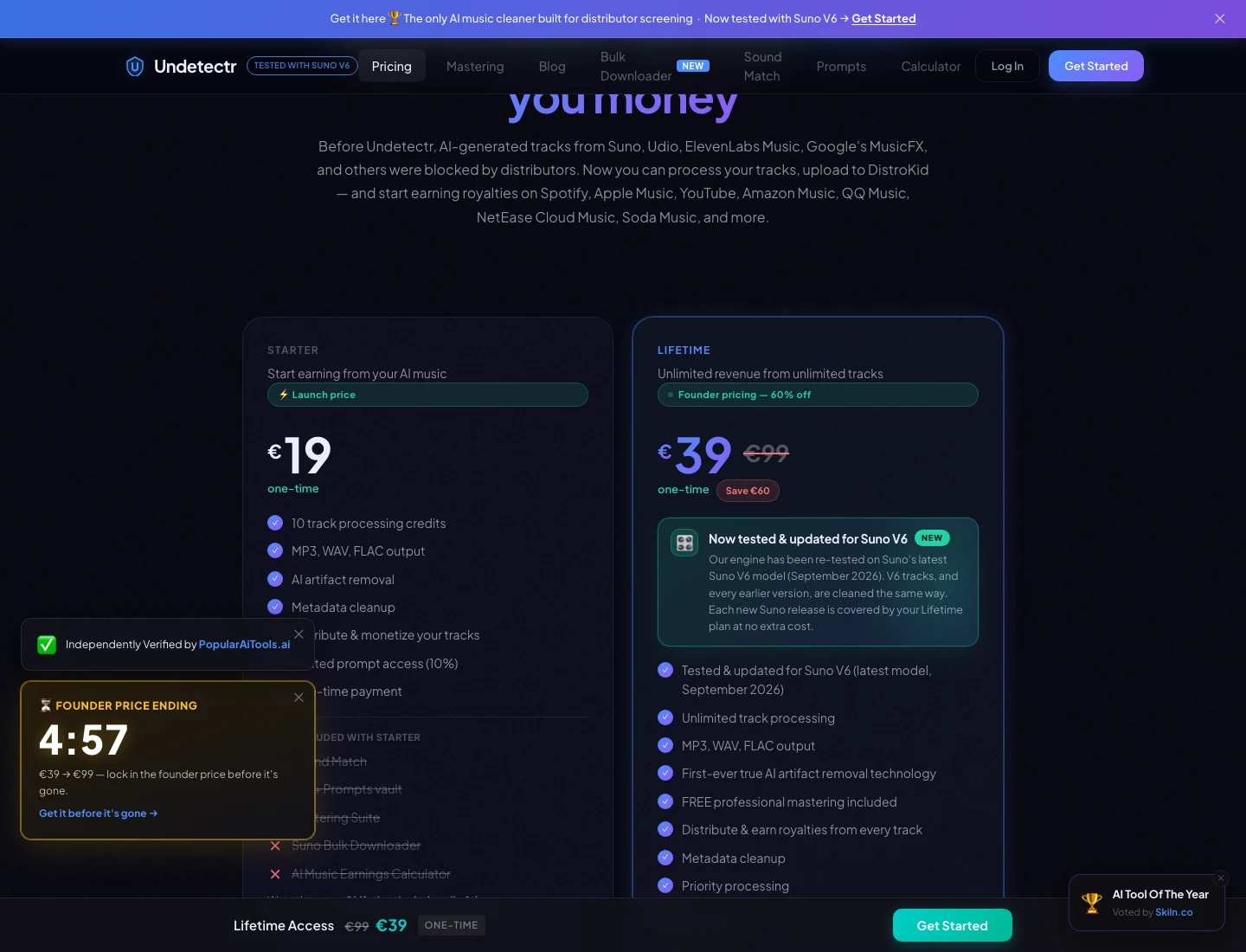
The current Undetectr plan page: €19 Starter and €39 Lifetime. Captured 13 November 2026; check the live offer before purchase. Source.
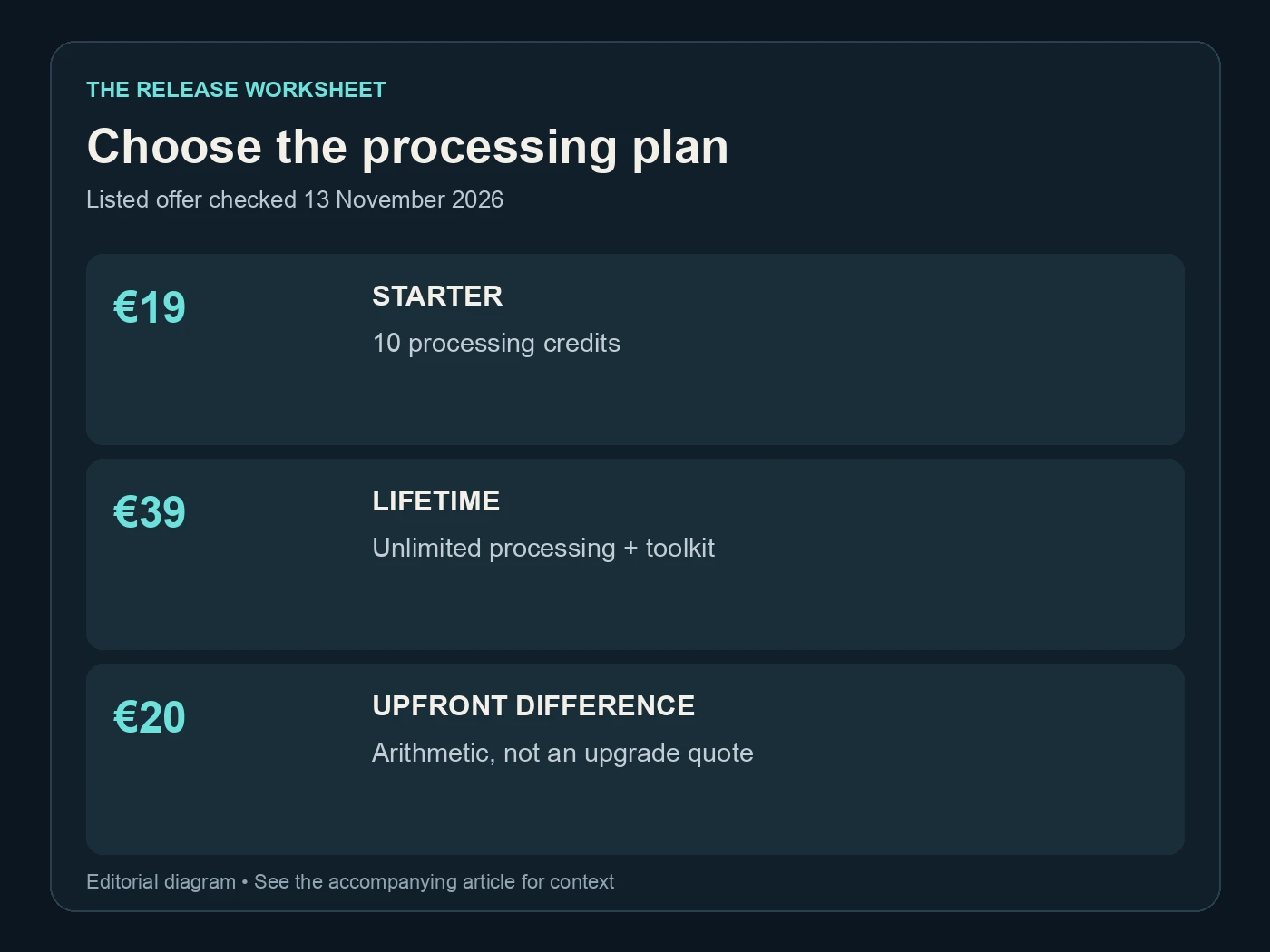
Choose the processing plan. Listed offer checked 13 November 2026. Editorial diagram; details are explained above.
Related reading
Frequently asked questions
Should I fix lyrics before using Undetectr?
Choose the performance and resolve creative problems before approving the final processing result. A wrong lyric or unwanted arrangement needs a source or editing decision. Do not expect mastering to make that decision for you.
Do I need another mastering service after Undetectr?
Only if you have a specific reason to use one. Lifetime includes the advertised mastering suite. Review its result before adding another stage, and retain the intermediate file if you experiment.
Is -14 LUFS an automatic acceptance requirement?
The Spotify figure in this article describes playback normalization. It is not a universal distributor acceptance test. Check the destination's actual delivery requirements and judge the musical result separately.
How should I compare the original and processed files?
Use the same player and a similar perceived listening level. Compare the same passages, then hear the full download. Keep notes about specific audible changes rather than relying only on which version is louder.
Can I give the output to a mastering engineer?
Yes, with a clear explanation of what processing has already occurred. Ask which version the engineer prefers to receive. Keep the original source available so the next step can be chosen deliberately.
Does mastering change the AI disclosure for my song?
You still need to describe the creation process accurately where required. Finishing a recording does not supply rights you lack or erase the need for correct release information.