AI Music
AI Cover Songs: Are They Legal & How to Release Them (2026)
AI cover songs are everywhere — your favourite track in a different artist’s voice, generated in minutes. They are also a legal minefield, and the ones that get pulled almost always trip the same few wires.
Here is what an AI cover actually involves — whether it is legal, why so many get struck, and how to release one that stays live.
The short version
The song underneath a cover is still copyrighted, so a release generally needs a license — and cloning a real artist’s voice is a separate risk on top.
An AI cover is also still AI audio, so it carries the usual watermark and fingerprint. Clean it with Undetectr before you distribute, and check the melody against existing releases yourself.
What AI cover songs actually are
An AI cover takes an existing song and re-performs it — usually by cloning or synthesising a voice and regenerating the vocal over the same melody and lyrics. The composition stays the same; the performance is new and machine-made. That split is the whole reason covers are legally trickier than an original AI track: you are building on someone else’s protected work.
Are AI cover songs legal?
The honest answer is that it depends, and this is not legal advice. Three things decide whether a cover is on safe ground.
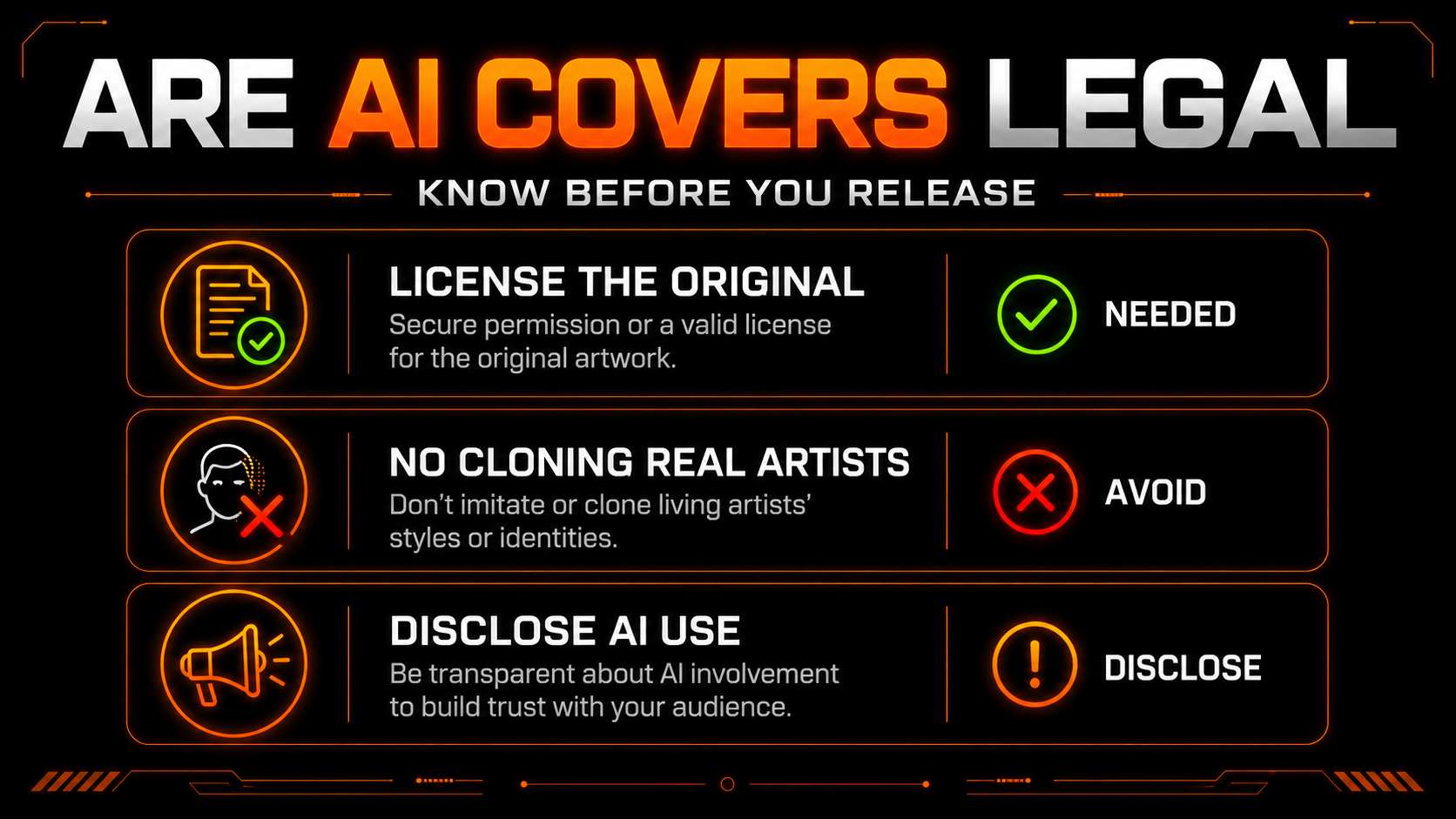
First, the underlying composition is copyrighted — releasing a cover for profit generally needs a mechanical license, and reusing the original recording needs a master-use license too. Second, cloning a real artist’s voice raises right-of-publicity and platform-policy problems that a music license does not cover. Third, disclose AI use where asked. Cover a song you have licensed, do not impersonate a living artist, and you are on far firmer footing.
Why AI covers get struck
When a cover gets pulled, it is almost always one of three triggers — and two of them are automatic.
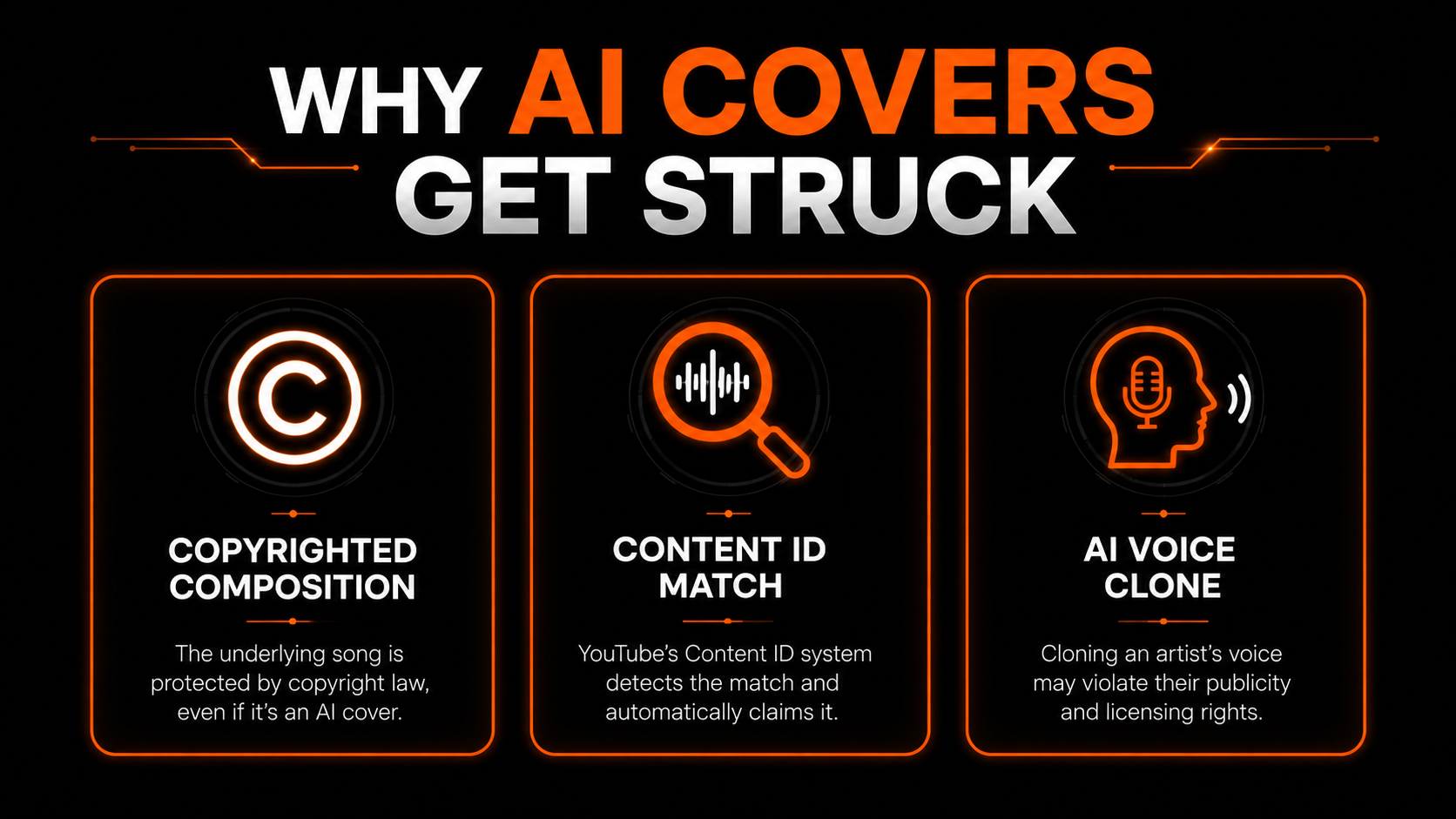
The copyrighted composition means the rights-holder can claim it. Content ID fingerprints your upload and matches the original automatically. And a voice clone of a recognisable artist can draw a separate complaint entirely. Licensing handles the first two; staying away from real-artist voices handles the third.
How to release an AI cover the right way
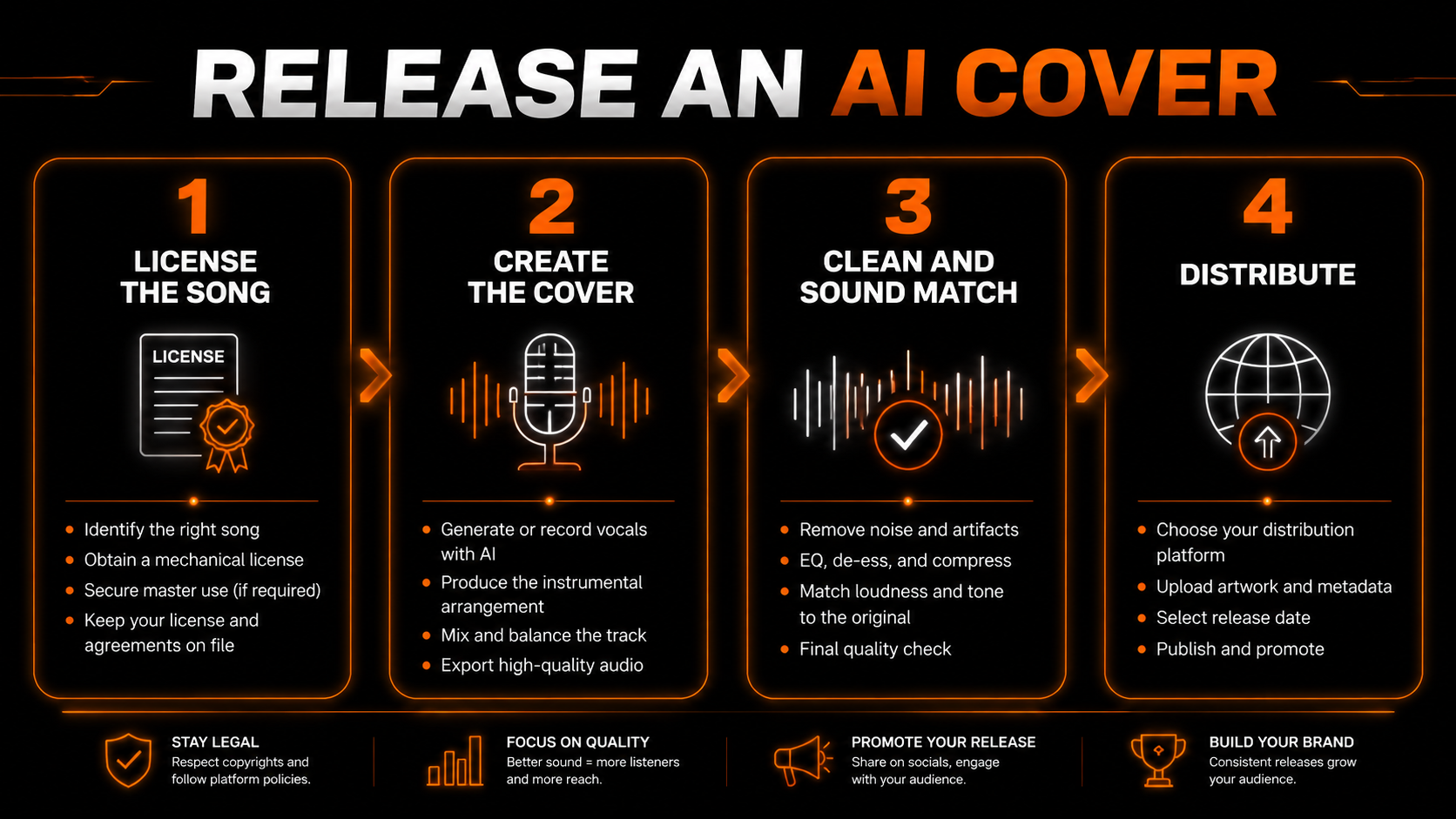
Get a mechanical license for the composition (and a master license if you reuse the original recording). Keep the paperwork.
Generate or record the vocal and produce the track — without cloning a real, identifiable artist.
Strip the AI detection markers, then check the reused melody against existing releases yourself.
Upload to your distributor, disclose AI use, and release.
Clean the markers before you distribute
Covers carry a double risk. On top of the licensing layer, an AI cover is still AI audio — it holds the same inaudible watermark and spectral fingerprint every generated track does, so a distributor can flag it as AI regardless of your license. And because a cover reuses an existing melody, it is unusually likely to collide with another fingerprint.
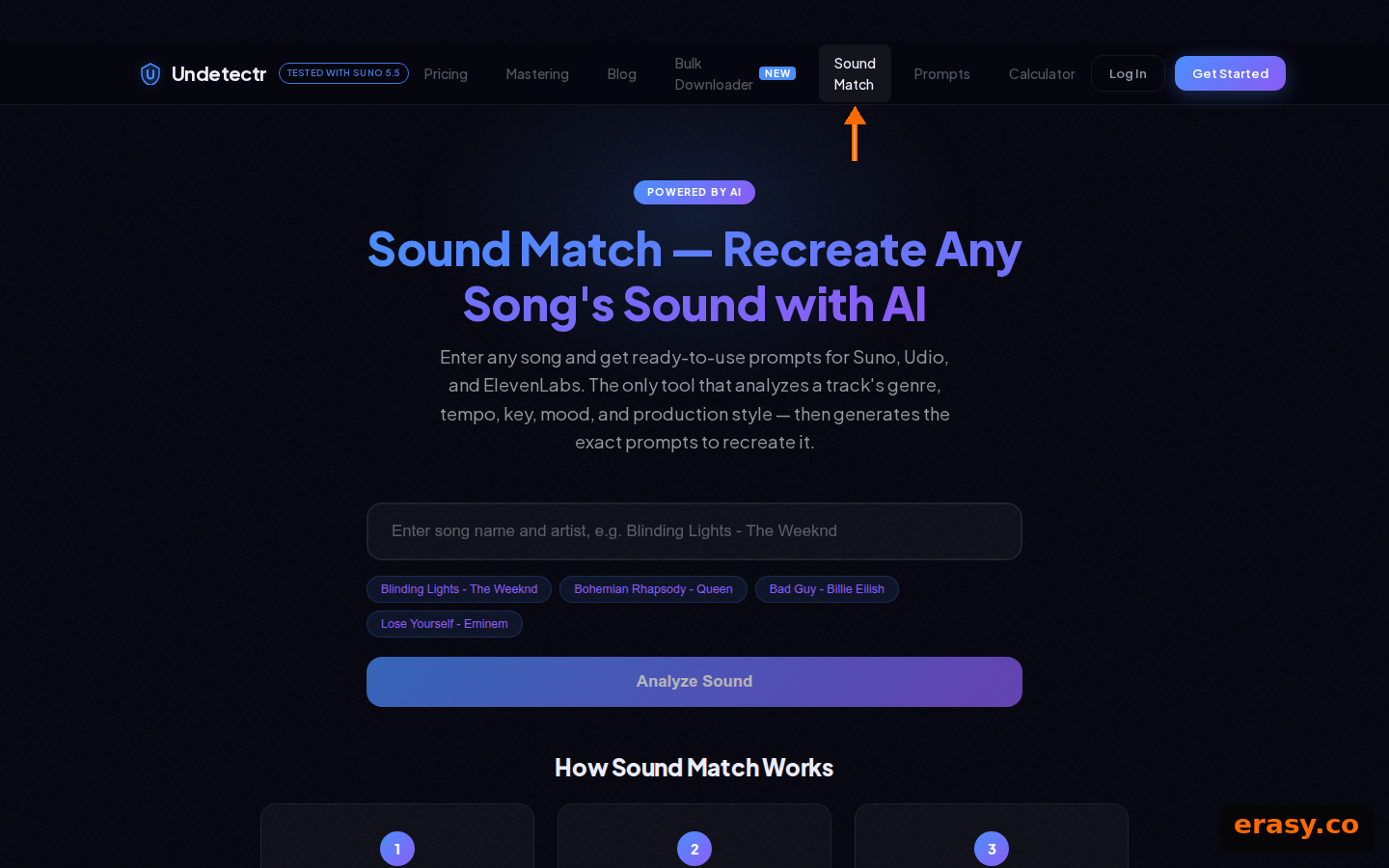
This is exactly what Undetectr — the only AI watermark remover built for music — is for. It strips the detection markers and masters the file in one browser pass. It does not, however, tell you whether your cover sits too close to an existing recording — no tool in this category does, so check that yourself.
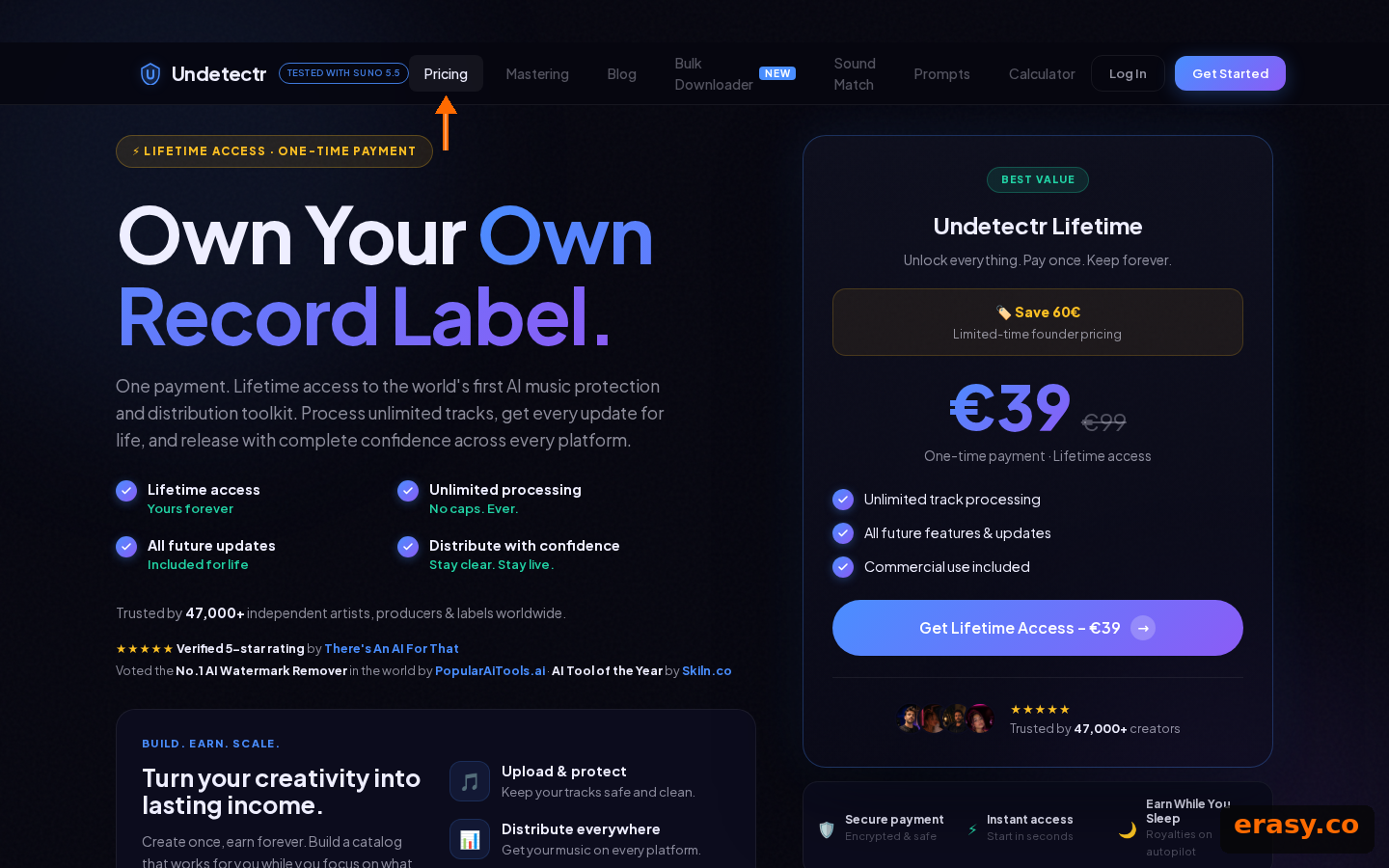
Our recommended tool
Clear the markers before your cover goes live
Clean the file and pass distributor detection. Try Undetectr free — no credit card, 150+ platforms.
Keep reading