AI Music
How to Remove SynthID from Audio (and What It Actually Is)

“How do I remove SynthID from my audio?” is one of the most searched questions in AI music — and most of the people asking it do not actually have a SynthID watermark. Before you try to strip something, it helps to know exactly what it is and whether it is even on your file.
Here is what SynthID really is, which tools use it, why Google built it to survive edits, and what the realistic path looks like for a creator trying to distribute AI music.
The short version
SynthID is Google’s audio watermark, used only on its own Lyria model and NotebookLM — not Suno or Udio. Google says it survives noise, MP3 compression and speed changes by design.
If your track is from Suno or Udio, you are dealing with generator fingerprints, not SynthID — and a purpose-built remover like Undetectr is built for exactly that.
What SynthID actually is
SynthID is a watermarking system from Google DeepMind. For audio, Google describes it as embedding “a watermark into any audio generated or published through our AI music generation model Lyria or the podcast generation feature of Notebook LM,” and says it is inaudible to the human ear.
Technically, the waveform is converted into a spectrogram, the watermark is embedded in the frequency domain using psychoacoustic masking — the parts of the sound your ear is least likely to notice — and the audio is reconstructed. The mark is woven into the sound-wave data itself, not added as a separate tone or a metadata tag, which is what makes it hard to remove without a dedicated approach.
Which tools actually use SynthID
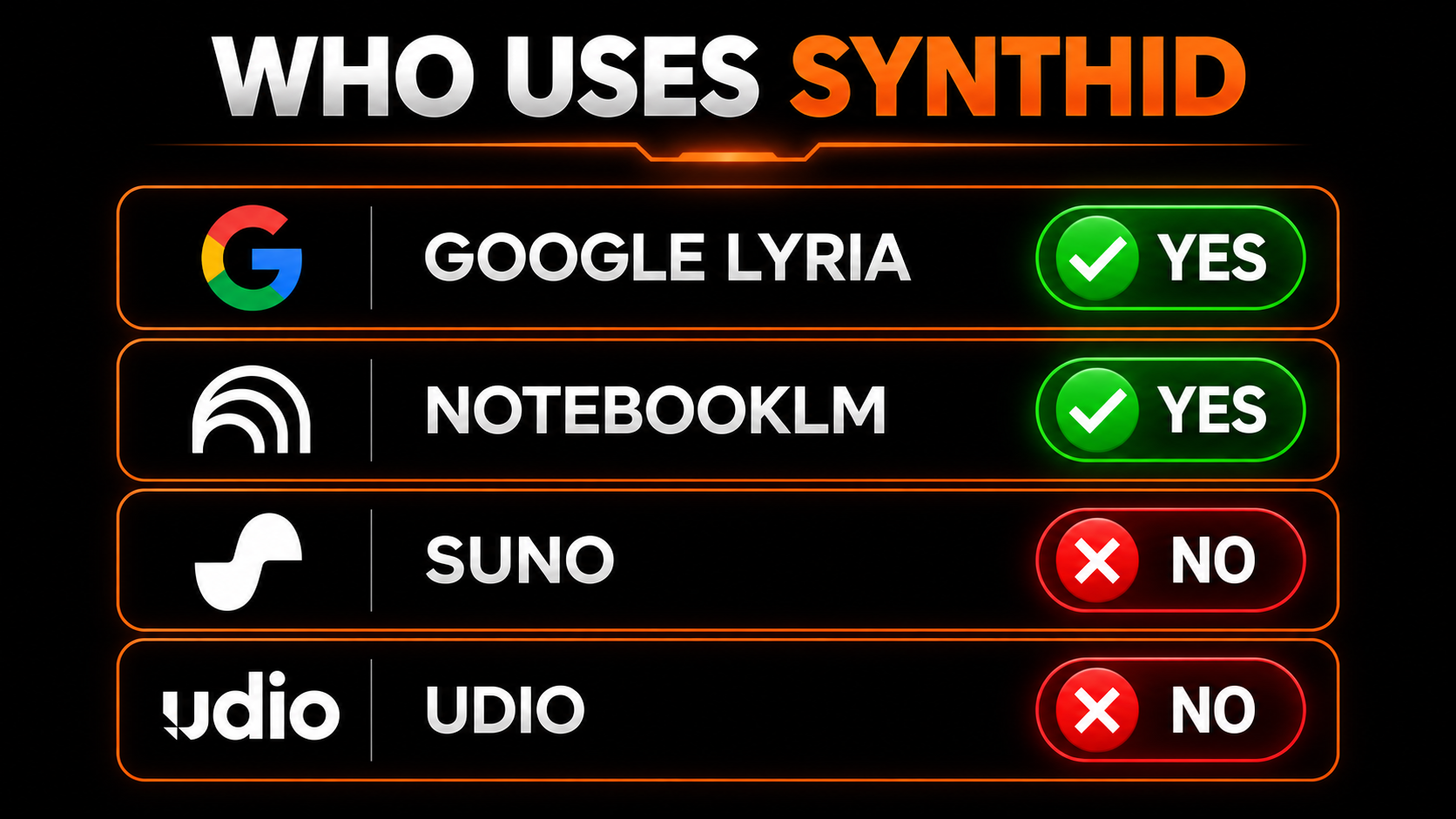
This is the part that saves most people a pointless search. SynthID audio is applied to:
| Source | Uses SynthID audio? |
|---|---|
| Google Lyria (Google's AI music model) | Yes |
| NotebookLM audio overviews / podcasts | Yes |
| Suno | No — its own fingerprint + metadata |
| Udio | No — content credentials + fingerprint |
| Stable Audio / Riffusion | No — their own signals |
So unless your track came out of Lyria or NotebookLM, it is not carrying SynthID at all. The watermark you are worried about is a different signal entirely.
Why SynthID is built to survive edits

We are not going to sell you a fantasy here. Google engineered SynthID to be durable, stating the watermark “can’t be altered by common modifications like adding noise, MP3 compression, or changing the speed of the track.” Google also runs a public SynthID Detector that can pinpoint the exact segments of an audio file where the watermark appears.
In other words, the casual tricks people try — re-encoding, adding hiss, nudging the tempo — are exactly what it is designed to shrug off. If you genuinely have Lyria or NotebookLM audio, treat SynthID as a durable, by-design feature rather than something with a quick workaround.
The big misconception
Because SynthID is the most talked-about AI watermark, people assume every AI track has one. They do not. The vast majority of AI music that creators are trying to distribute comes from Suno and Udio, and those carry generator-specific fingerprints and metadata — a related but separate problem with its own, more tractable solution.
What creators actually face
If your goal is to get a Suno or Udio track past distributor detection, the target is the statistical fingerprint those platforms leave, not SynthID. That is a solvable problem: a purpose-built remover analyses what a classifier measures, neutralises those markers, and re-masters the file — leaving the audible music untouched.
The tool we recommend for that is Undetectr, which is built specifically for AI music and handles the fingerprint and the mastering in a single browser pass.
The clean-upload workflow
Lyria or NotebookLM means SynthID (durable by design). Suno or Udio means a generator fingerprint you can address.
For Suno/Udio exports, run the file through Undetectr to strip the markers and master to spec.
Verify this yourself against existing releases — no cleanup tool performs the check.
Upload to your distributor and disclose AI use honestly where asked.
Our recommended tool
Clean the watermark you actually have
For Suno and Udio tracks, Undetectr strips the fingerprint and masters to spec so the file passes detection. Try it free — no credit card.
Keep reading