AI Music
Udio Watermark Remover: What Changed in 2026 (and the Fix)

If you came here looking for a Udio watermark remover, there is something you need to know first: as of late 2025, Udio no longer lets you download your tracks at all. The watermark question is now beside the point — there is no file to clean.
Here is exactly what changed, why it upends the usual advice, and the path that still works if your goal is to release AI music.
The short version
After settling with Universal Music Group, Udio disabled all downloads — audio, video and stems — and became a streaming-only walled garden. You can make music; you cannot export it.
So a Udio watermark remover has nothing to act on. The workable route is to generate on Suno (which still allows downloads on paid plans) and clean that file with Undetectr before you distribute.
What changed with Udio in 2026
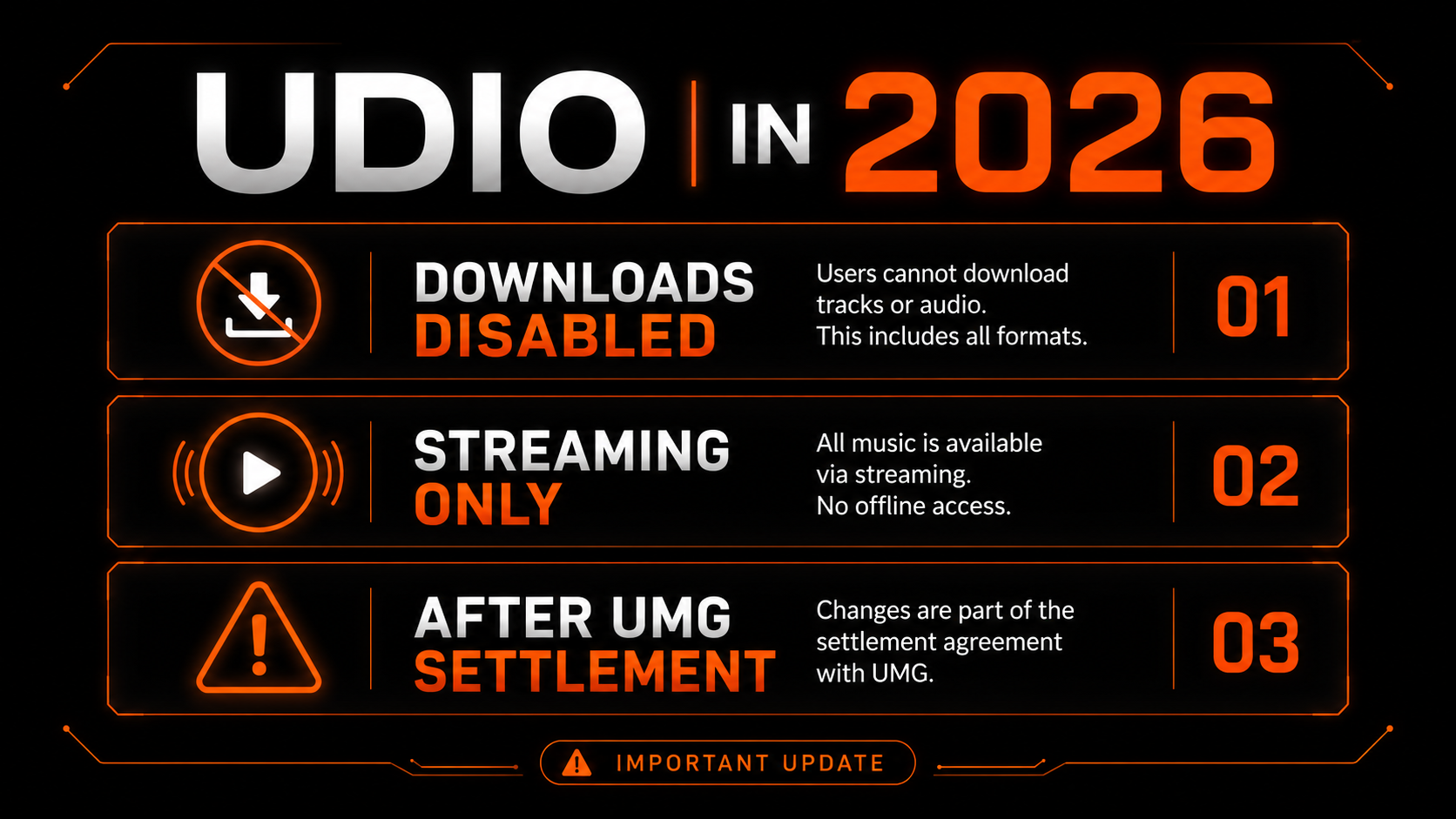
In late 2025, Udio settled the copyright lawsuit Universal Music Group had brought against it. As part of the deal, Udio immediately disabled downloading of audio files, video exports and stems. After user backlash, it opened a brief 48-hour window for people to grab their existing songs — then the export door closed.
The current model keeps your creations online but locked inside Udio’s platform — a “walled garden” where you can stream what you make but not take it elsewhere. A licensed, next-generation platform built with UMG’s catalog is planned to follow. Whatever it becomes, the practical reality today is simple: no exports.
Why watermark removal is moot for Udio now
A watermark remover operates on a file you own — you export a track, upload it to the tool, and download a cleaned version. That entire workflow depends on step one: exporting. With downloads disabled, there is no file to hand a remover, so the question “how do I remove the Udio watermark” no longer has a practical answer for new work.
Worth clearing up a related myth while we are here: Udio does not use Google’s SynthID. SynthID is specific to Google’s own Lyria model and NotebookLM. Udio and Suno rely on their own signals — metadata, content credentials and spectral fingerprints — so a “SynthID remover” was never the right target for a Udio track anyway.
If you already have Udio files from before the change
If you exported tracks during the 48-hour window or downloaded them earlier, those files behave like any other AI export. They still carry detection markers, so if you plan to distribute them you would clean and master them the same way you would a Suno track — with a purpose-built remover that targets the statistical fingerprint and re-masters to streaming spec.
That is a finite pile of files, though. For anything new, you need a different generator.
The workable path: Suno plus cleanup
Suno still lets you download your tracks on paid plans, and on Pro or Premier you hold the commercial rights to what you generate. That makes it the practical choice for anyone who actually wants to release AI music rather than stream it in a closed app.
The catch is the same one every AI track faces: distributors scan for watermarks and fingerprints, and a flagged track earns nothing. So you clean the exported file first with a purpose-built remover — we recommend Undetectr — then distribute.
From generation to distribution
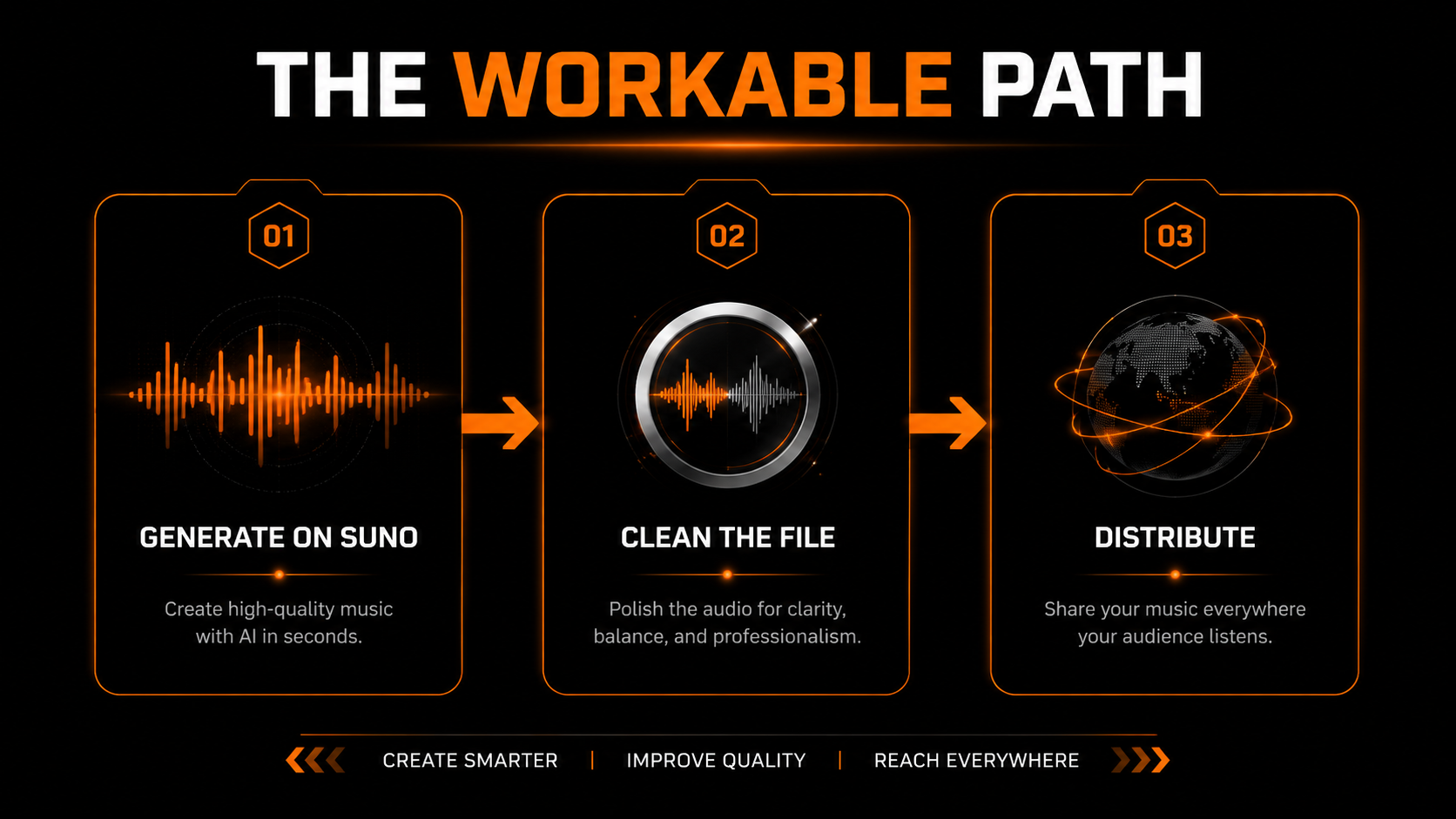
Create on Pro or Premier so you can download the file and hold commercial rights.
Run the export through Undetectr to strip detection markers and master to loudness spec in about 90 seconds.
Do this yourself — no AI cleanup tool compares your track to released music.
Upload to DistroKid, disclose AI use honestly, and push to Spotify, Apple Music and the rest.
Our recommended tool
Clean any AI track for distribution
Whether it's an old Udio export or a fresh Suno track, strip the watermark and master to spec before you upload. Try Undetectr free — no credit card.
Keep reading