AI Music
AI Music Detector: How They Catch AI Songs (and How to Beat Them)
You run your AI track through an AI music detector, it comes back “97% likely AI,” and now you are staring at a score with no idea what to do next. Here is the thing nobody tells you: the detector was never going to help you fix it.
This is the full picture — what an AI music detector actually is, how it works, which ones you will run into, and the one step that turns a flagged track into a live one.
The short version
An AI music detector reads the inaudible markers a generator leaves — SynthID, spectral fingerprints, C2PA credentials — and hands you a score. Distributors, YouTube and streaming platforms all run one.
But a detector only diagnoses. To clear the flag you need a remover, and the only one built for music is Undetectr.
What is an AI music detector?
An AI music detector is any tool or scanner that decides whether a piece of audio was made by AI. It does not listen the way you do. Instead it reads the statistical residue a generator bakes into every export — signals engineered to be inaudible to humans but trivial for a machine to measure — and returns either a yes/no verdict or a confidence percentage.
You meet detectors in two places: as standalone tools you can run yourself to check a track, and as the automated gate every distributor and platform runs on your uploads. Same technology, very different stakes.
How AI music detectors work
Under the hood, detection comes down to three methods, usually stacked together. Each one targets a different marker.
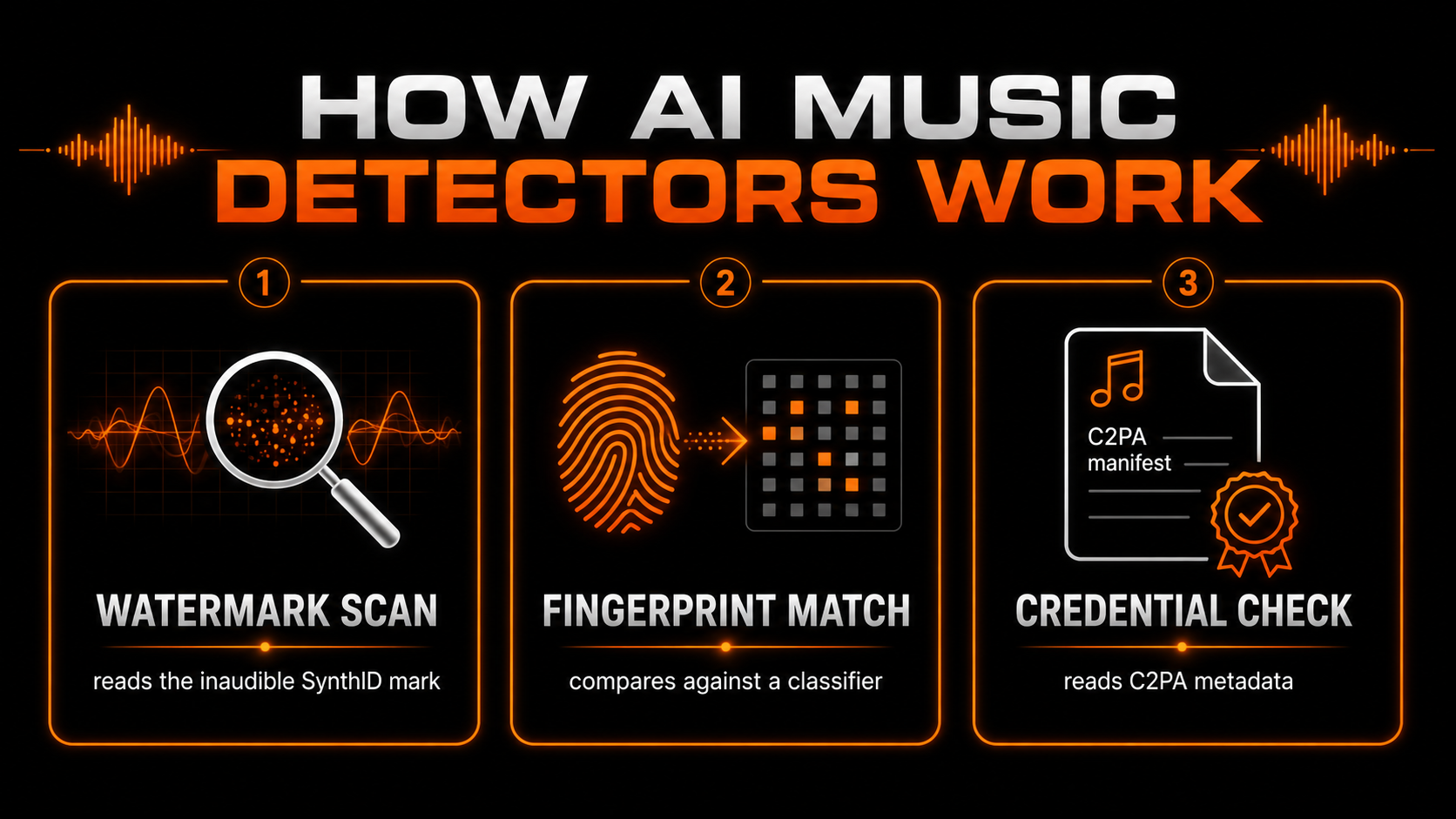
The watermark scan looks for an embedded mark such as Google’s SynthID. The fingerprint match compares your audio against a classifier trained on millions of AI-generated tracks. The credential check reads C2PA provenance metadata that declares the file’s AI origin. Because all three operate below what you can hear, a track can sound flawless and still light up on every one.
The AI music detectors you’ll actually meet
Search “AI music detector” and you get a short list of names that come up again and again. Here are the ones that matter.
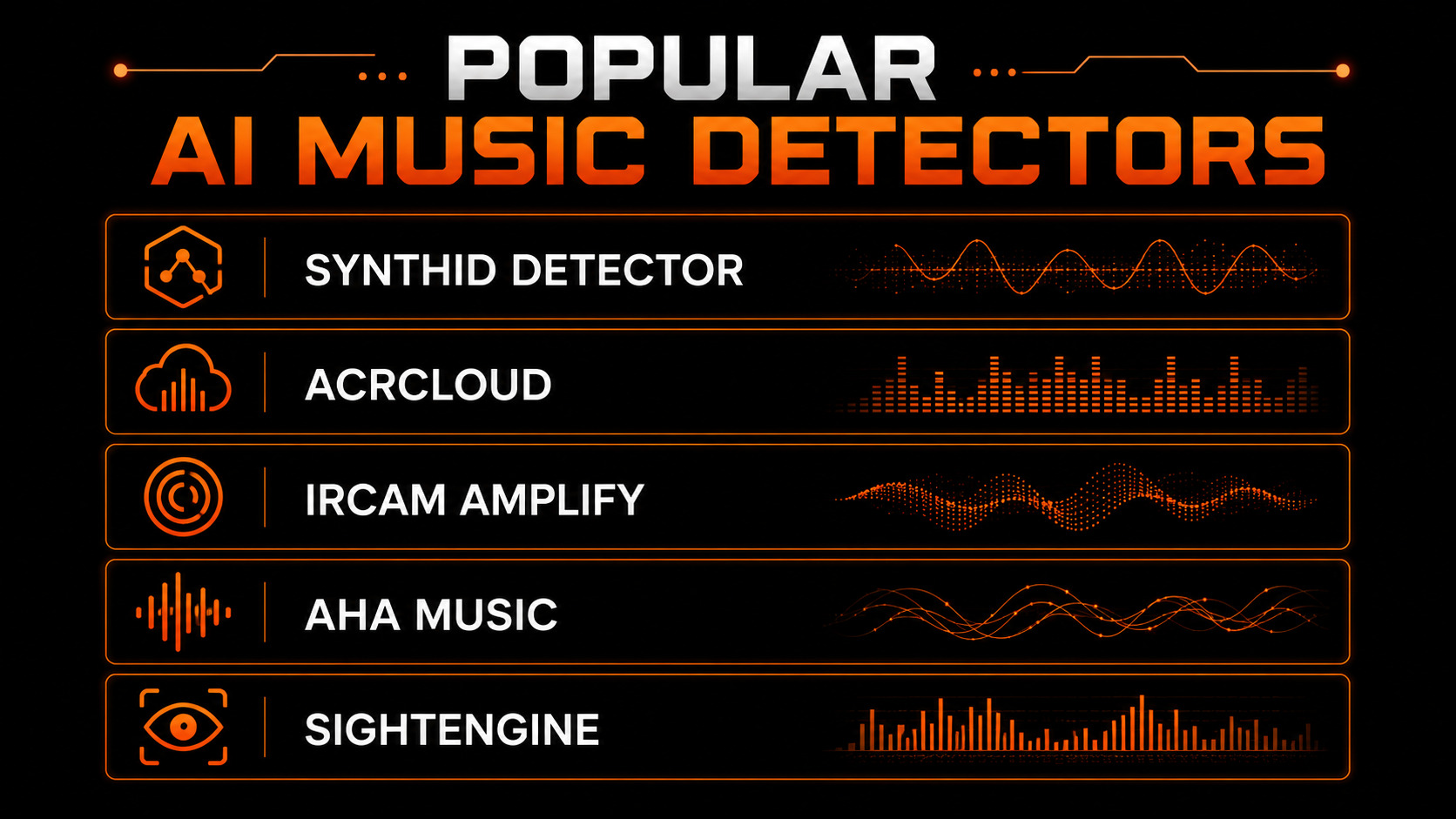
| Detector | What it reads | Free? |
|---|---|---|
| SynthID Detector | Google's own SynthID watermark | Yes |
| ACRCloud | Audio fingerprint matching | Freemium |
| IRCAM Amplify | AI-generation classifier | Paid / API |
| AHA Music | Quick online AI check | Free |
| Sightengine | AI-audio detection API | Freemium |
These are handy for checking where a track stands. Just know what they are: diagnostic tools. Not one of them changes your file, and the free online ones only look at part of the picture — the distributor scanning your upload is running something far stricter.
Where you hit a detector
You will not always know a detector ran. It happens quietly at three points in the release chain, and any one of them can kill a track.
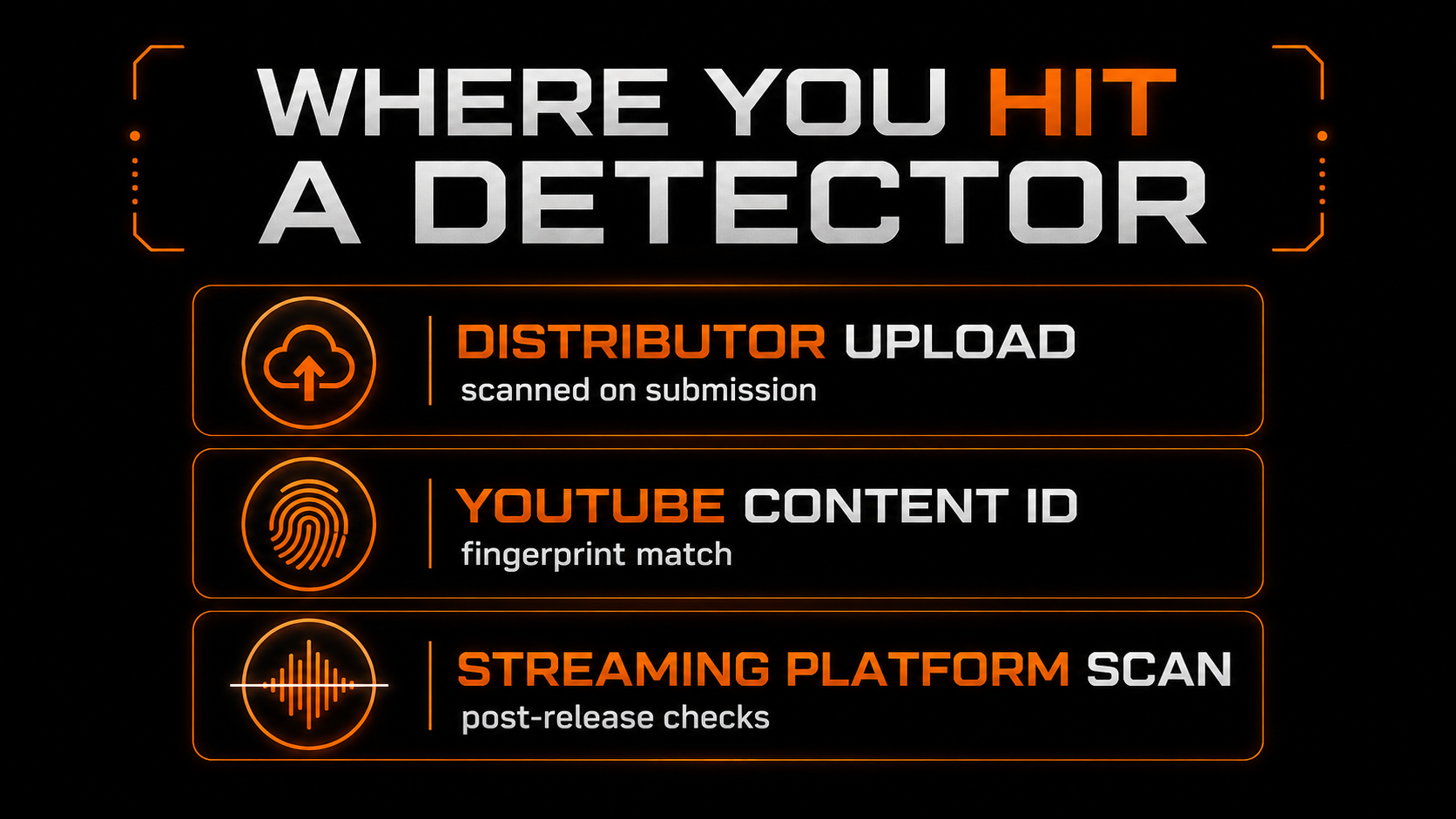
The distributor scans on submission. YouTube’s Content ID fingerprints every upload. And streaming platforms run post-release checks that can mute or pull a track weeks after it goes live. A flag at any stage means the same thing: the track earns nothing.
The detector trap: why detection isn’t the fix
Here is where most people waste a weekend. They find a detector, watch it report “likely AI,” and start hunting for a lower score — as if the number itself were the problem. It is not. The score is a symptom.
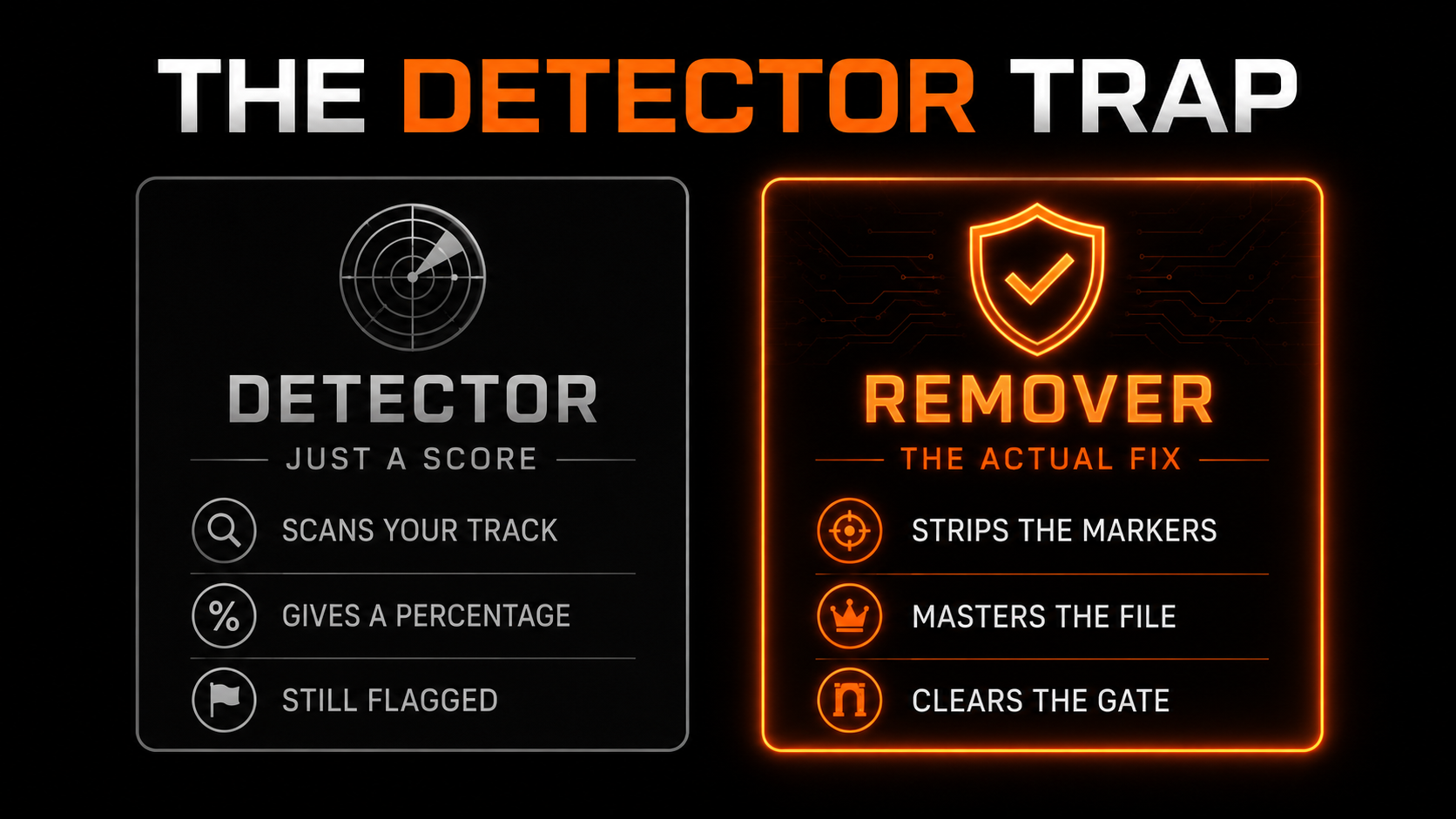
- ✕Scans your track and scores it
- ✕Tells you it is flagged
- ✕Leaves every marker in place
- ✕Track still gets rejected
- ✓Strips the watermark and fingerprint
- ✓Re-masters to platform loudness
- ✓Sounds identical to the original
- ✓Clears the gate on upload
Detectors and removers get marketed with the same keywords, but they do opposite jobs. If your goal is a live, earning track, a detector is only step one — the confirmation. The fix is removal.
The only remover built for music: Undetectr
Once you know you are flagged, you need a tool that goes the other direction. In the music space there is one built specifically for it: Undetectr — the only AI watermark remover made for music rather than repurposed from image or text tools.
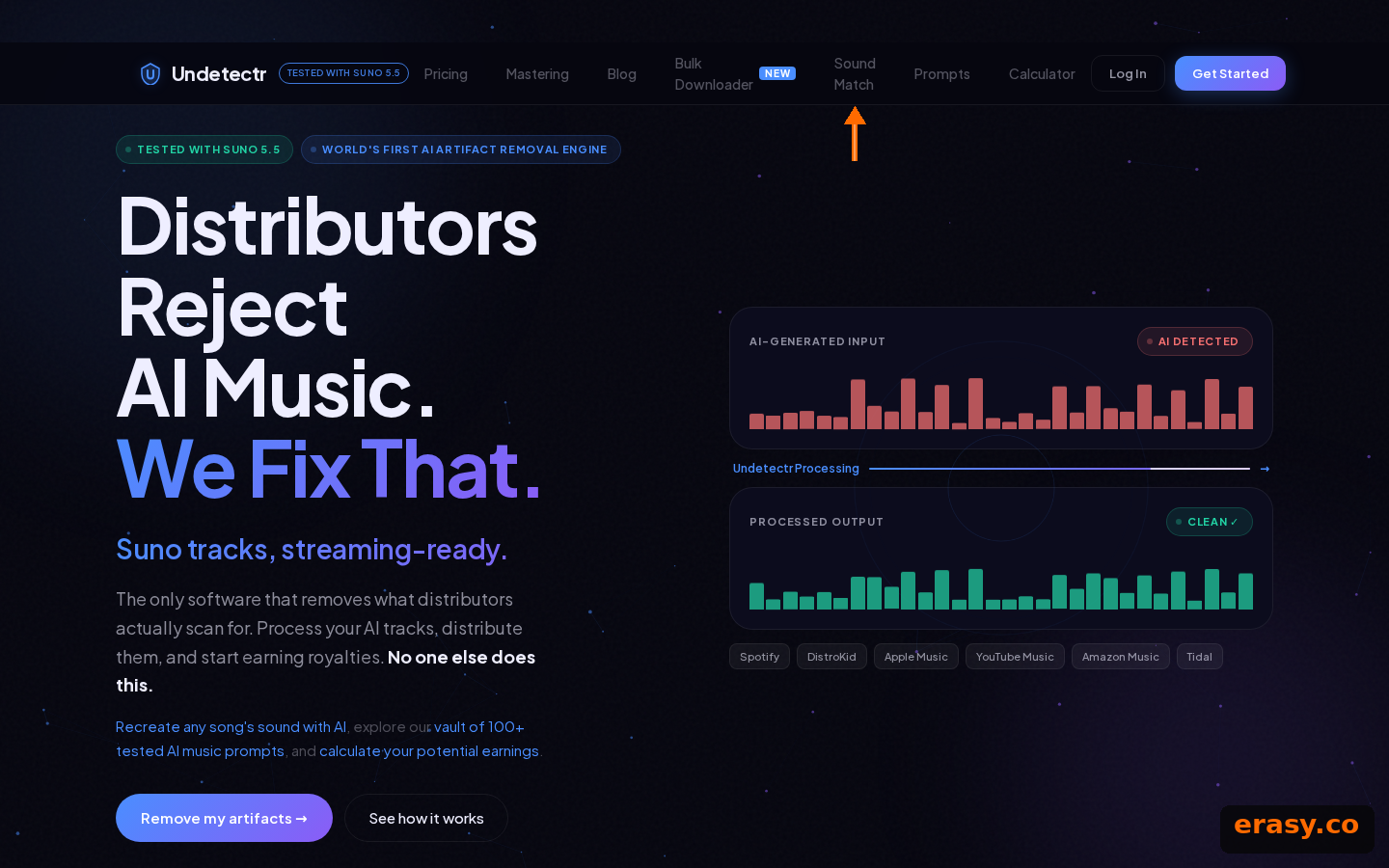
It strips six marker layers in a single browser pass — no install — in under a minute, on MP3, WAV or FLAC from Suno, Udio and ElevenLabs Music. In the same pass it masters to each platform’s loudness target, around -14 LUFS for Spotify and -16 LUFS for Apple Music, so the file is delivery-ready, not just clean.
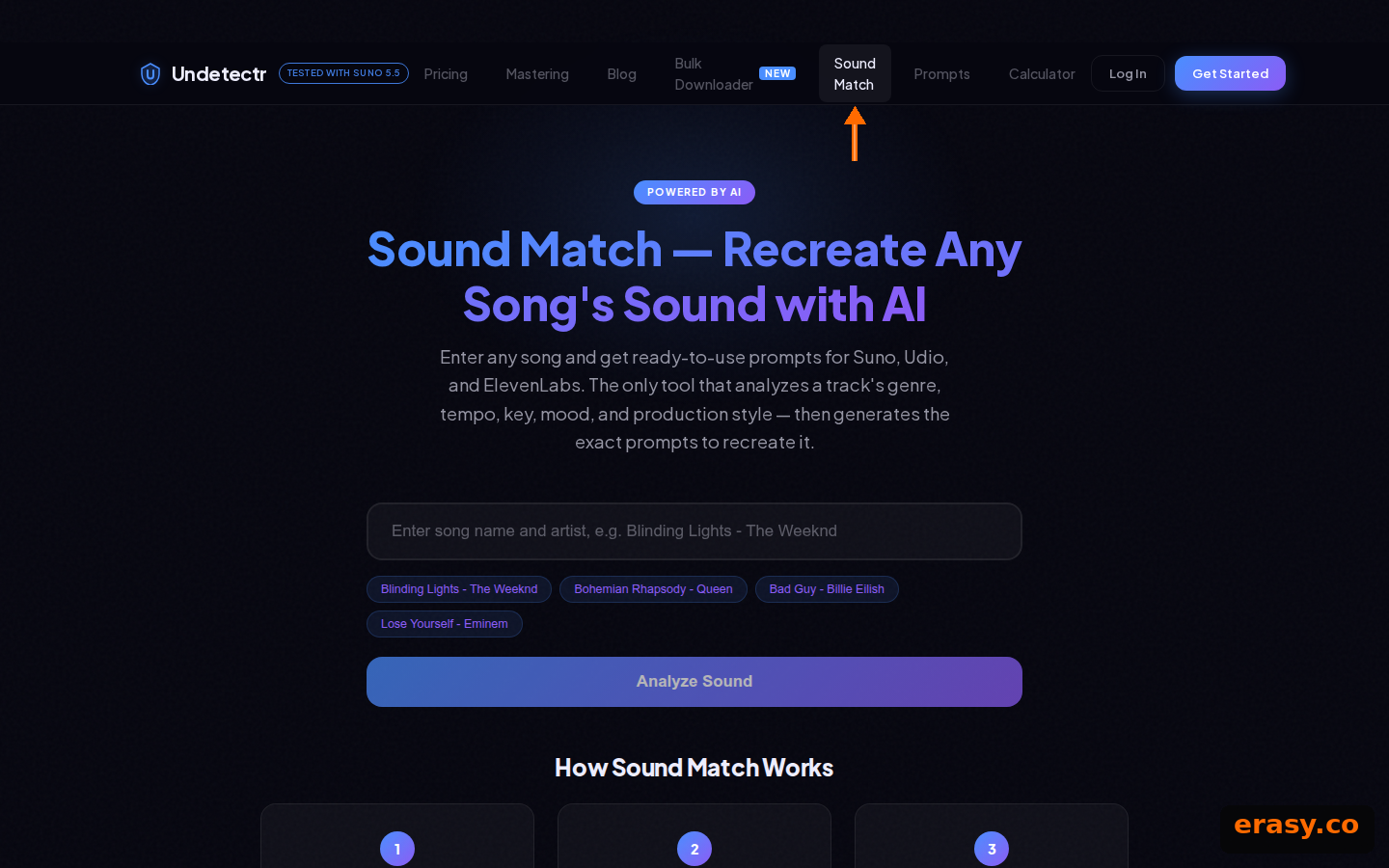
Its Sound Match feature is often misread as a safety check. It is not — it analyses a reference song and returns generation prompts. Nothing in the product compares your track against existing releases. What it does do is clear files out to more than 150 platforms.

Pricing is a one-time EUR 39 for unlimited tracks — no subscription, no per-track fee. Against the cost of losing releases to takedowns, it pays for itself on the first cleared track.
How to check your track the right way
Detectors still have a place — as a check, not a solution. Here is the order that actually works.
Use a free detector to see whether your export is flagged. Expect it to be — raw AI files almost always are.
Run the file through Undetectr to strip the markers and master to your platform's loudness spec.
Check existing releases yourself. No cleanup tool compares your track for you.
Send the clean file to your distributor and disclose AI use honestly where asked.
Our recommended tool
A detector tells you you're flagged. This clears it.
Strip the markers, master to spec, and pass the scan on the first upload. Try Undetectr free — no credit card, 150+ platforms.
Keep reading