AI Music
Suno Backing Vocals: Build Clear Harmonies in 2026

Key takeaways
- Give backing vocals a specific job: support a phrase, answer the lead or open the chorus.
- Describe where harmonies enter and leave instead of asking for a dense vocal arrangement everywhere.
- Review consonants, sustained notes and section transitions, because more voices can reduce lyric clarity.
- Keep lyric development, voice direction, separation and final cleanup as distinct decisions.
In this article
- Assign a role to each supporting voice
- Write a section plan before a long prompt
- Compare Suno V6 candidates with one stable brief
- Repair a section without losing the song
- Separate parts only when separation helps
- Develop the vocal brief in WaveQuake
- Approve the words before finishing the sound
- Keep a useful vocal arrangement record
Suno backing vocals work best when they help the listener follow the song. A harmony can lift one important word; a response can make a chorus memorable. The same parts become distracting when they cover the lead or continue through every gap.
With Suno V6, begin with an arrangement plan that you can hear and evaluate. This guide develops that plan, explains what a prompt can reasonably communicate and shows how WaveQuake can help shape the lyric and vocal direction. It also covers what to check before accepting separated or processed vocals.
Assign a role to each supporting voice
Start with the lead lyric. Underline the words carrying the main thought, then decide which of them would benefit from support. You may need one sustained harmony at the end of a line rather than a second voice throughout the verse.
Use plain language for the role. “A soft harmony joins the last phrase of each chorus” is easier to evaluate than “huge emotional layered vocals.” The first instruction names an event. The second could produce several different arrangements, including one that obscures the story.
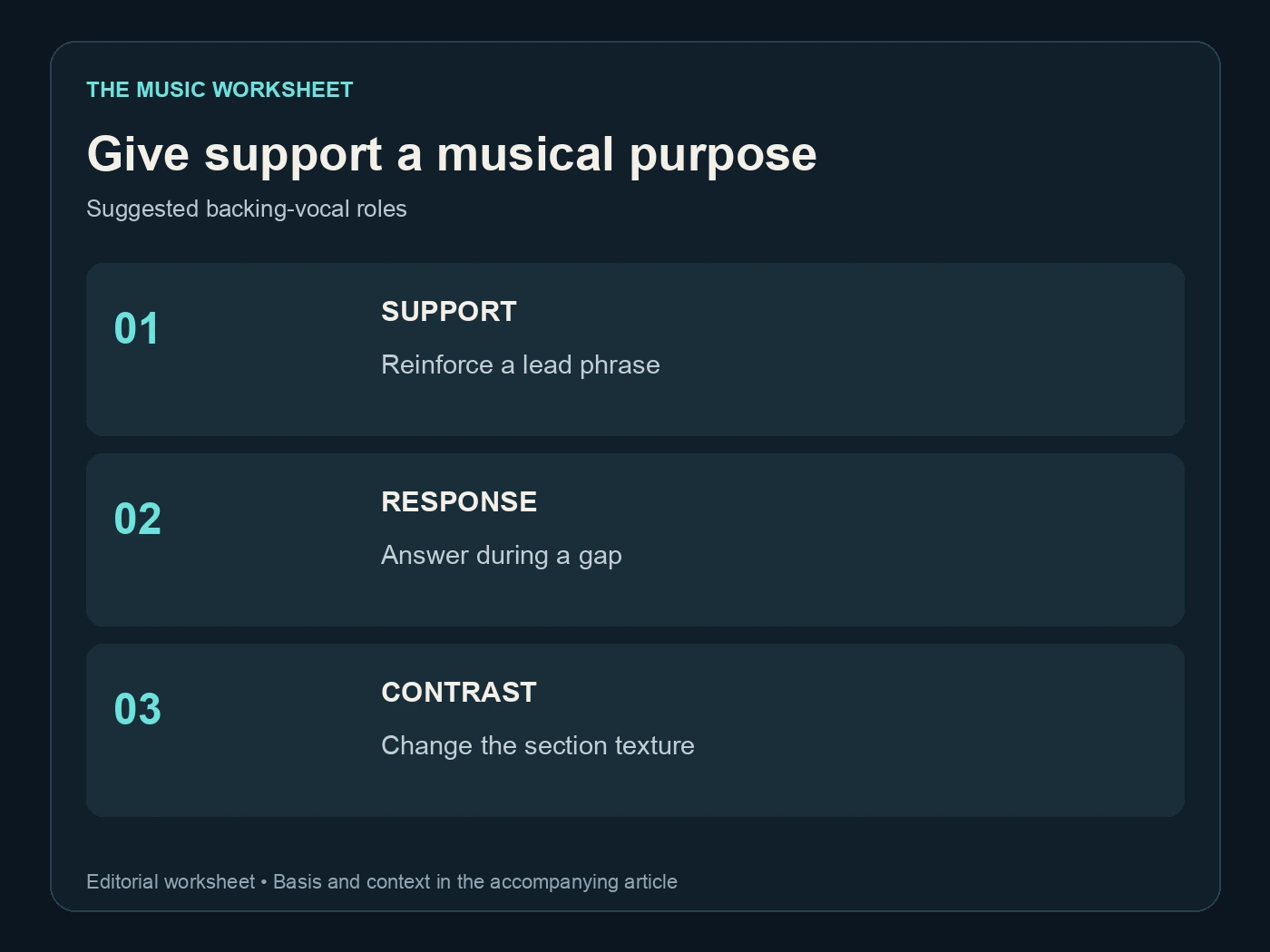
The three suggested roles in this worksheet are support, response and contrast. Support reinforces a lead phrase. Response answers it during a gap. Contrast changes the texture between sections. A song does not need all three.
Our AI vocals and session-singer comparison is useful when the project needs a deliberately performed part with exact notes. A generated direction can inspire an arrangement, but it is not the same as delivering a written harmony to a singer and approving each performance.
Write a section plan before a long prompt
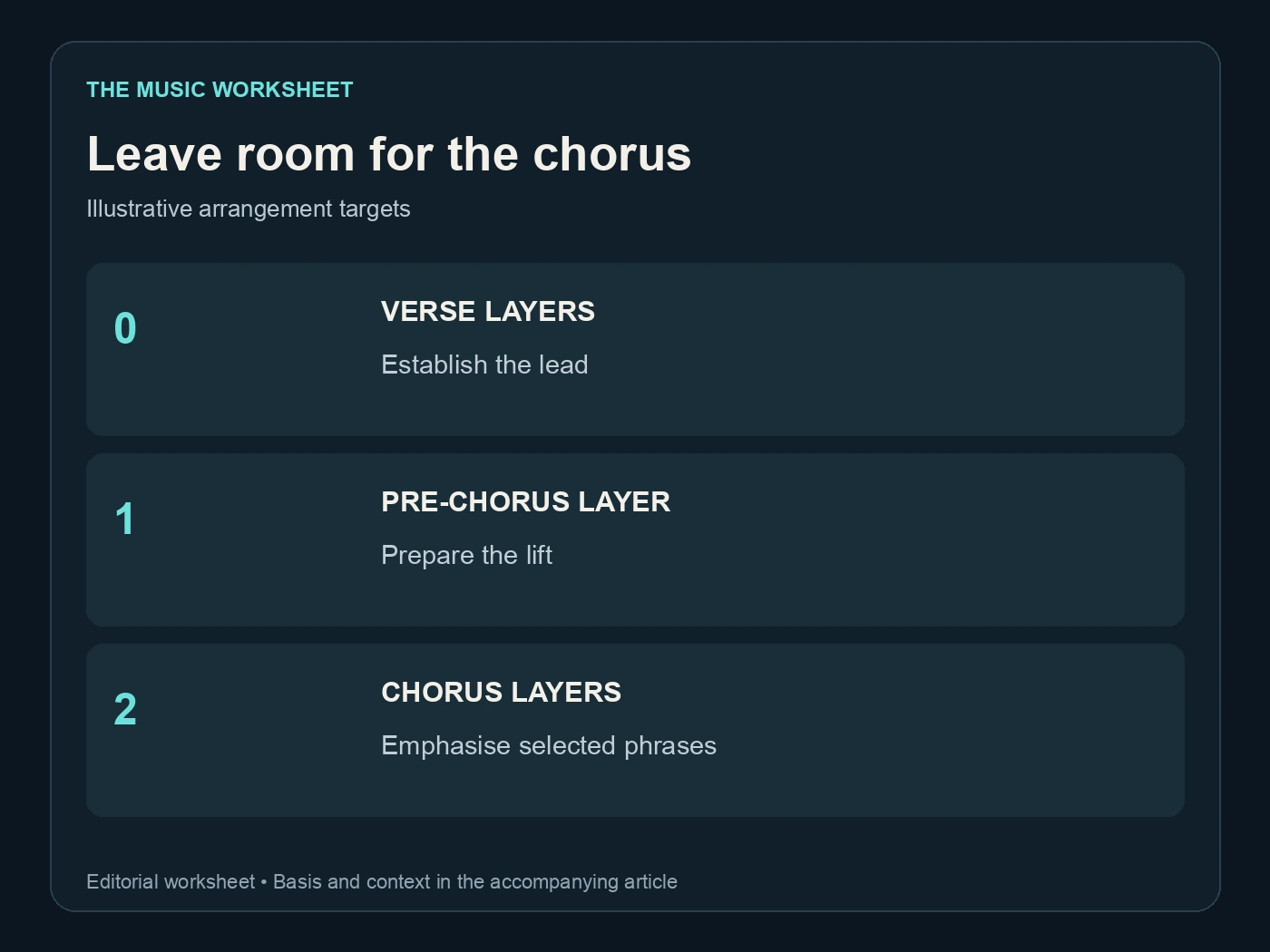
Make a short map of where the lead should stand alone and where additional voices should appear. This gives the chorus room to grow without making every section equally dense.
| Suggested arrangement example | Supporting layers requested | Purpose |
|---|---|---|
| Verse | 0 | Establish the lead and story |
| Pre-chorus ending | 1 | Prepare the lift |
| Chorus final phrases | 2 | Add width and emphasis |
| Final line | 1 | Leave a focused ending |
These numbers are creative targets, not a guarantee that a model returns separately controllable tracks. Listen for the intended effect rather than assuming a prompt has created the exact count.
Write the lyric itself separately from production instructions. If a line is meant to be sung, keep it in the lyric. If it describes delivery, make that role clear in the direction. Ambiguous parenthetical text can become an unexpected sung phrase.
Read the chorus aloud with the proposed response. If the reply interrupts the lead when spoken, it may also compete when sung. Remove unnecessary syllables before trying to solve every problem with another generation.
Compare Suno V6 candidates with one stable brief
The Suno model guide identifies the current V6 family. Record the selected model alongside the lyric and arrangement notes so you know what changed between attempts.

Use a brief such as: “Close lead vocal in the verses, restrained two-part harmony on the final chorus phrases, short backing responses only in the gaps, clear words.” This is an illustrative direction. It does not promise exact voicing, harmony intervals or the same singer on every attempt.
Our Suno V6 overview explains the wider model context. During a backing-vocal comparison, hold the lyric and musical direction steady before changing the density instruction. Otherwise a different tempo, melody or lead performance can overwhelm the specific detail you meant to compare.
Keep notes on the best passage even when the complete candidate is unsuitable. For example, a quiet verse followed by a crowded chorus gives you two useful observations: the lead already has the intimacy you wanted, and the support needs a narrower role. Preserve the verse direction and request harmony only on the final phrase of the chorus. Compare that phrase at the same playback level, then hear the transition back to the verse. If the contrast becomes too small, keep the harmony entrance but shorten its duration. This turns an impression into a specific arrangement decision you can explain to another musician. “Second chorus response leaves room for the lead” is actionable. “Version three is better” becomes less useful after the files have been renamed or moved into an editor.
Repair a section without losing the song
When only the chorus is overcrowded, consider a bounded section change before replacing the entire song. Suno's Song Editor documentation covers working with sections and comparing replacements. Include enough surrounding context to hear whether the new passage belongs.
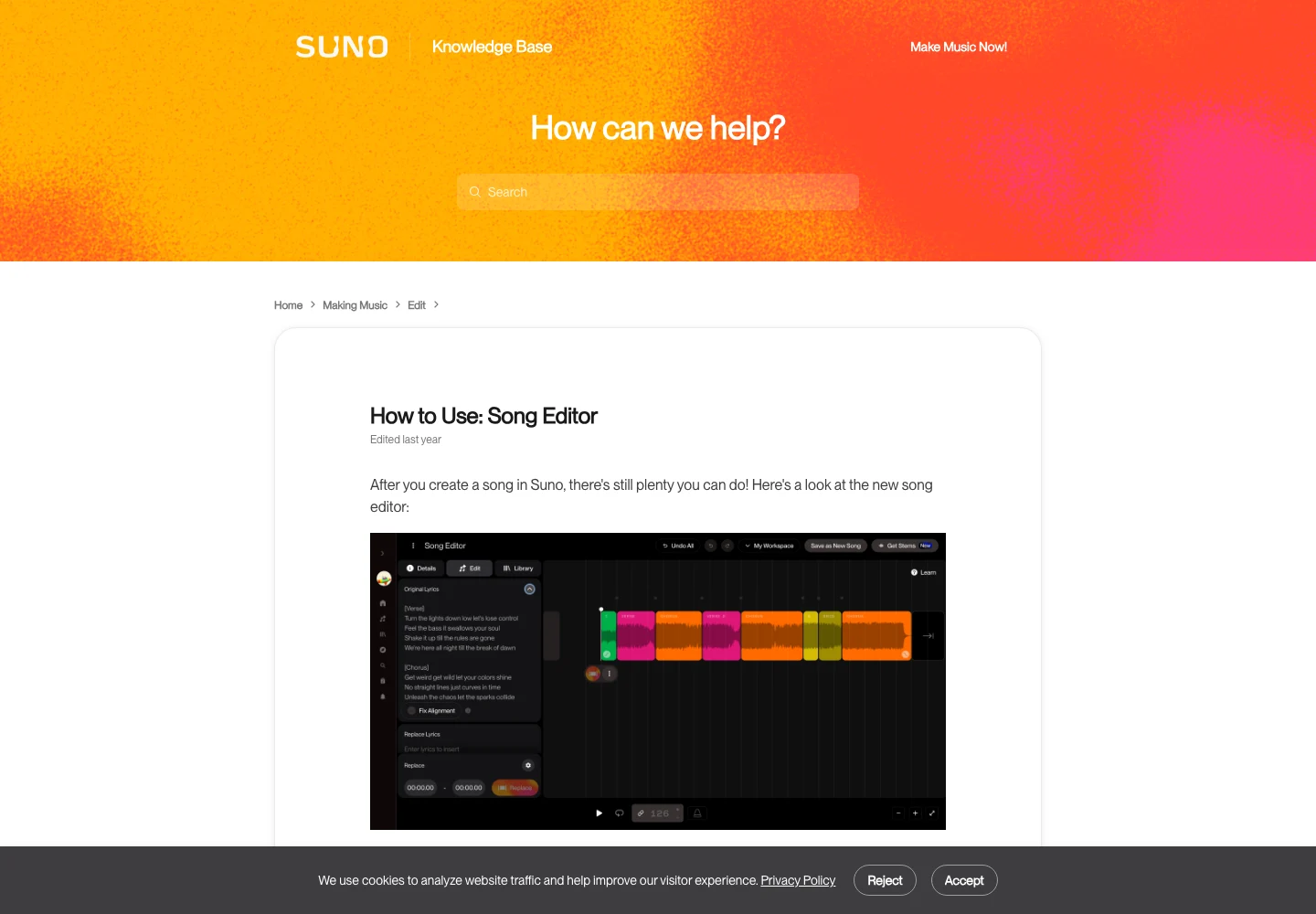
Check both boundaries. A harmony may enter naturally but leave a clipped syllable at the end of the replacement. A better chord at the centre of the passage is not enough if the transition into the verse sounds like a different recording.
| Suggested listening check | Places to review | What can go wrong |
|---|---|---|
| Entry | 1 | Support arrives before the lead phrase |
| Dense chorus | 1 | Consonants blur together |
| Exit | 1 | A harmony cuts off or overlaps the next line |
| Complete song | 1 | The revised chorus is too large for the arrangement |
The four checks are an editorial review sequence. They help you compare a local improvement against the whole song. If clarity is still poor, simplify the requested arrangement before applying heavier processing. Our muffled Suno vocals guide addresses cases where the issue is tone rather than too many simultaneous parts.
Separate parts only when separation helps
A stem labeled “vocals” can still contain the lead and backing voices together. Suno's Advanced Stem Separation documentation describes several extraction modes, but a requested part must be judged by the audio it actually contains.
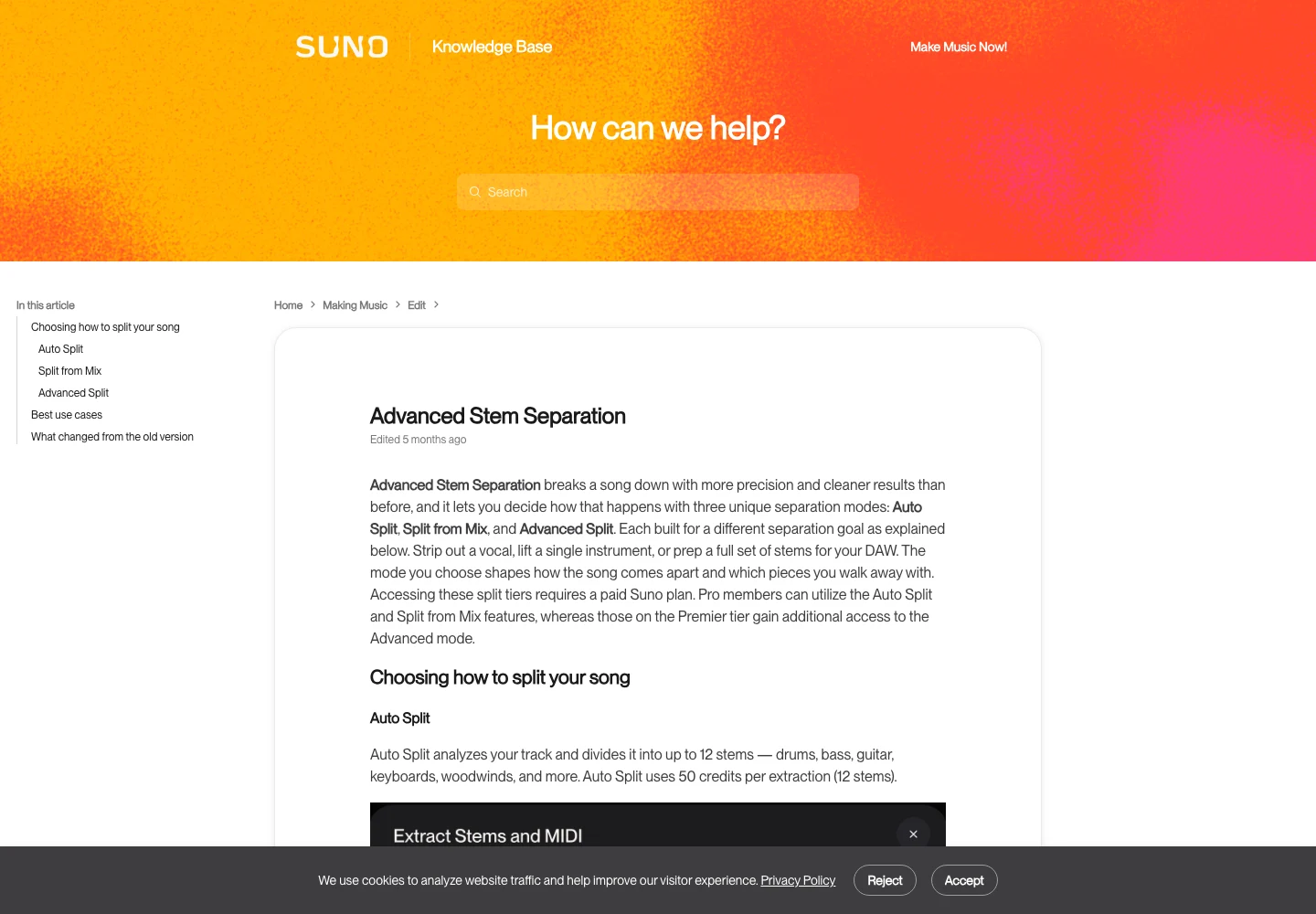
Do not assume that a lead and a harmony occupy different files simply because you can hear two singers. Listen to the extracted vocal in isolation and with the complement. A separated part may contain shared reverberation or fragments of another instrument.
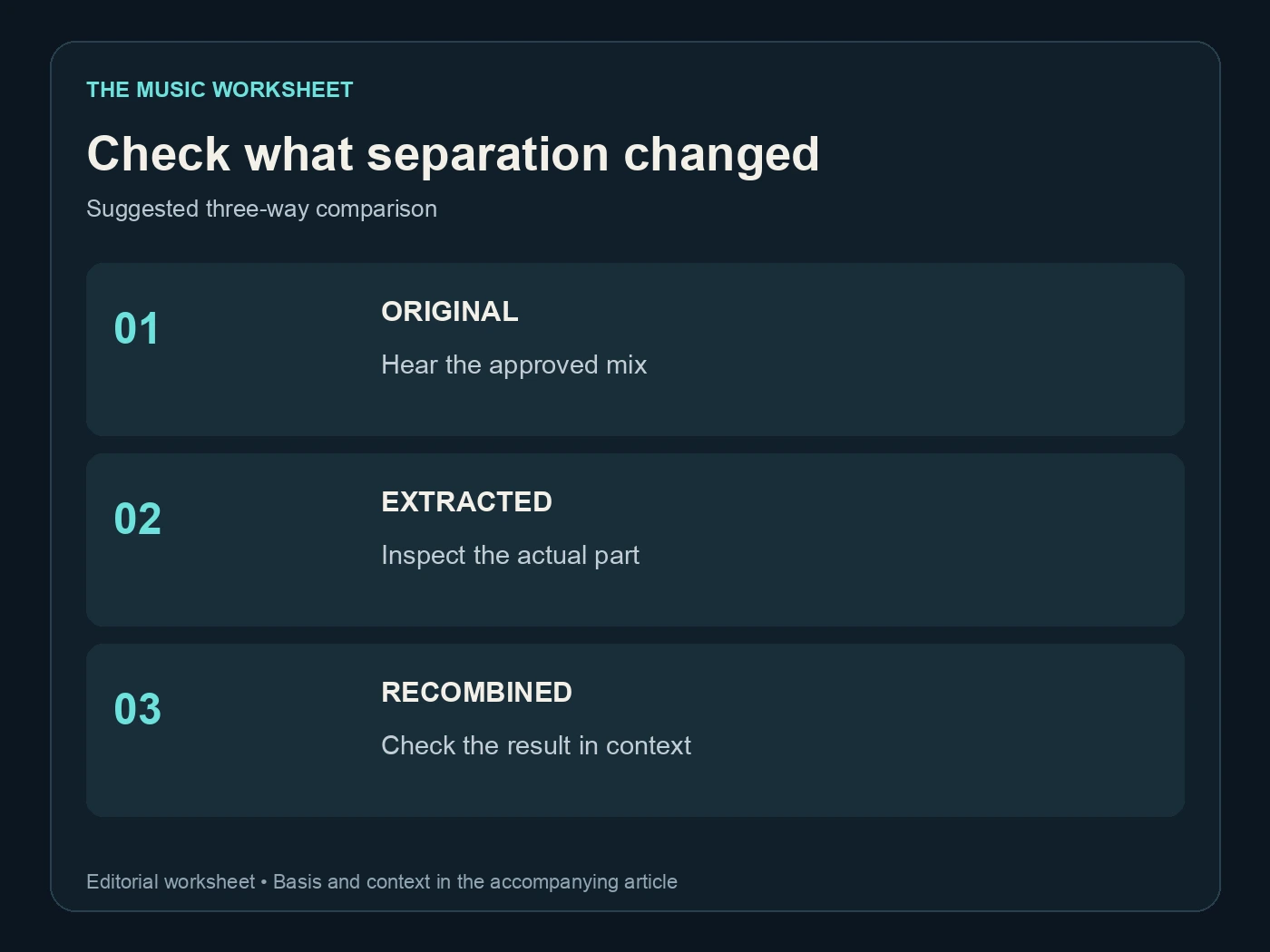
Use three comparisons: the original mix, the extracted part and the recombined result. If the recombination already changes the character of the song, note that before adding further effects. This makes the source of a later problem easier to identify.
Separation is worthwhile when it enables a useful adjustment, such as reducing a broad vocal layer. It may be unnecessary when a better candidate already has the right balance. Keep the original mix regardless: an isolated stem can sound imperfect on its own and still work well in context, while the opposite can also happen.
Develop the vocal brief in WaveQuake
WaveQuake provides a place to develop lyrics and musical direction together. Its Songwriter page describes a lyric-development workflow. Use that stage to shorten an overcrowded response or sharpen the phrase that the harmony should support.
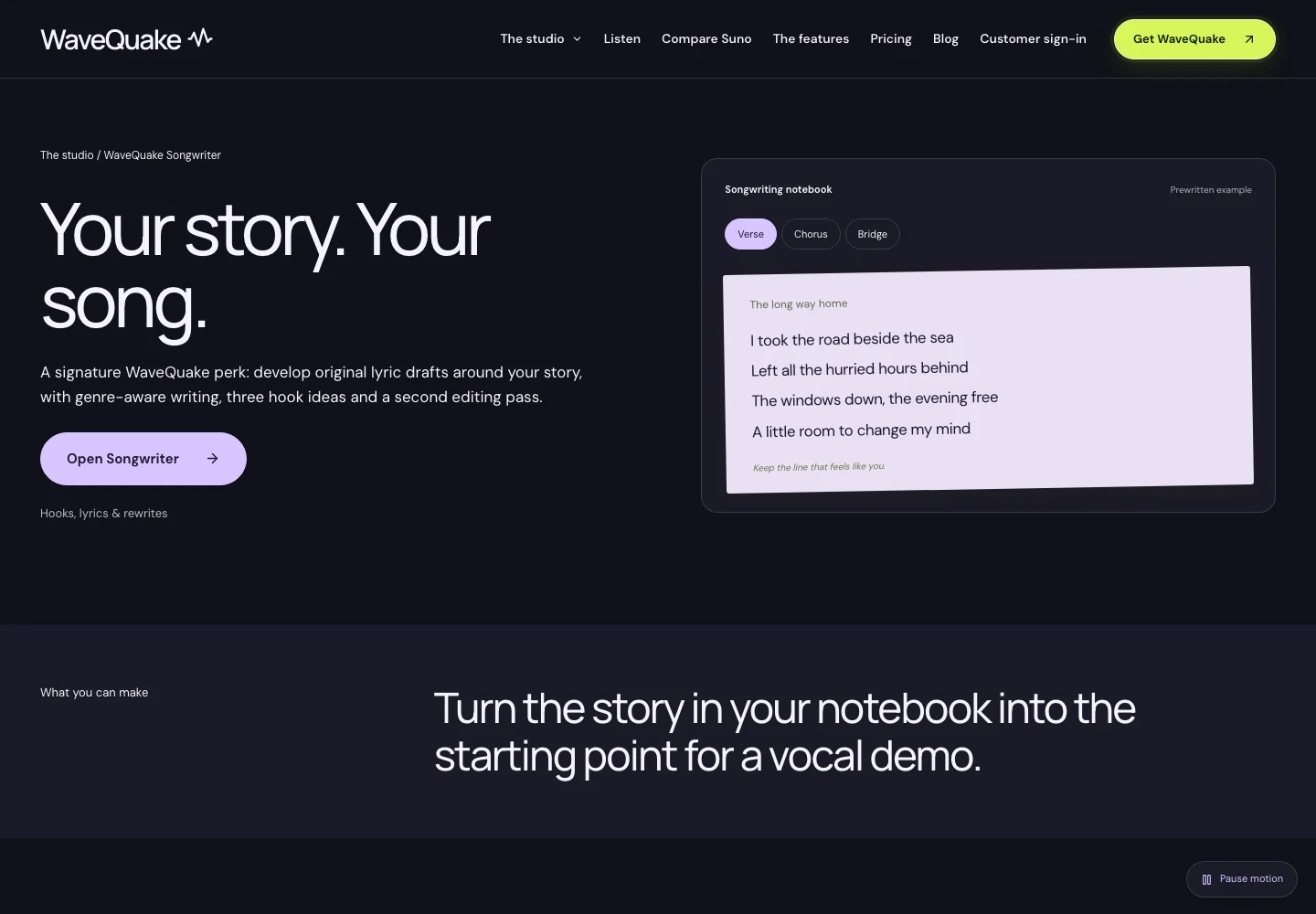
For example, if the lead sings a complete sentence, the backing reply might need only its final meaningful word. Write both versions on the page before generating them. This is a songwriting choice, not a requirement to turn every phrase into a call and response.
The Artist voices page distinguishes descriptive vocal profiles from applying a saved recorded voice to a finished track. A recurring vocal direction can help a collection feel coherent; it does not guarantee an exact singer or automatic pitch correction.

Our WaveQuake review provides the broader workflow. For backing parts, define the relationship to the lead explicitly: softer or stronger, close or distant, sustained or rhythmic. Those comparisons are more useful than a long string of adjectives that never explains where the supporting voice belongs.
Approve the words before finishing the sound
Listen once while reading the lyric and once without looking at it. The first pass catches mismatched words; the second reveals whether a listener can understand the phrase naturally. Backing vocals sometimes create an apparent extra syllable where consonants overlap.
WaveQuake's music creation page explains how lyrics and musical direction become vocal song versions. Compare the same chorus in each candidate before rewriting the whole song. The best arrangement may be the one with fewer supporting voices and clearer emphasis.

When you have selected a performance, Undetectr is an option for processing remaining AI artifacts before delivery. Preserve the original and compare the backing harmonies after processing, particularly long vowels and the space around the lead. Approve what you hear in the finished file.
If the lyrics will be published separately, make them match the approved recording. Our Suno lyrics on Spotify guide covers that delivery context. A corrected text document does not correct a word that the audio still sings differently.
Keep a useful vocal arrangement record
Save the selected lyric, the arrangement map and the final audio version together. Include notes about where backing parts enter and any deliberate difference between the written lyric and the performance. A collaborator should be able to understand the intention without replaying every discarded candidate.
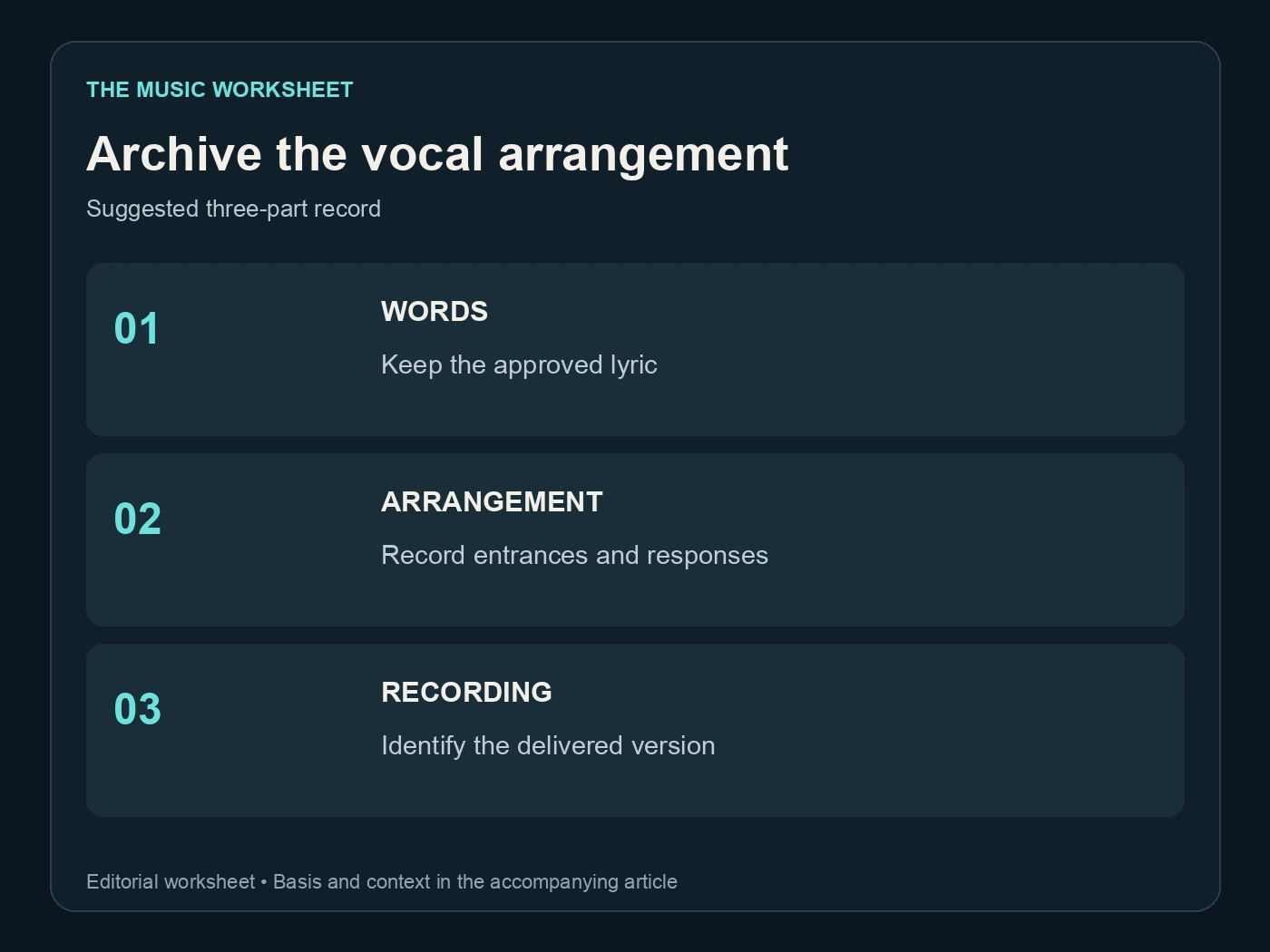
The suggested archive has three parts: words, arrangement and recording. If you have stems, list what they actually contain rather than promising a clean lead or harmony based only on the export label. That avoids surprises when a mixer opens the project.
Check the complete delivery on headphones and a speaker at a comfortable level. A wide backing texture can feel impressive in headphones but compete with the lead on a small speaker. Judge whether the chorus communicates, not merely whether it fills the stereo field.
Reopen the exported file before sharing it. Confirm the final chorus, last word and ending, then keep the exact filename in your notes. The next request may be a quieter backing version or a shorter chorus; a clear record makes that revision manageable.
Related reading