AI Music
Suno Pronunciation: Fix Names and Lyrics (2026)

Key takeaways
- Fix the written phrase before spending credits on another performance.
- Keep a readable lyric sheet separate from any phonetic spelling used for generation.
- Compare the repaired word inside the full line, then check the join with the surrounding song.
- WaveQuake’s Songwriter can help develop a clearer lyric; pronunciation still needs a human listening check.
In this article
- 1. Identify the word and the intended sound
- 2. Decide whether spelling or line rhythm is the problem
- 3. Repair the smallest useful section in Suno
- 4. Use a small comparison sheet
- 5. Develop clearer lyrics with WaveQuake
- 6. Keep generation spelling out of the delivery sheet
- 7. Know when a human performance is the practical answer
- 8. Approve the actual file the listener will receive
Suno pronunciation problems are especially noticeable when the wrong word is somebody’s name. A slightly unexpected vowel in a background phrase may pass unnoticed. The wrong pronunciation in a birthday chorus, brand name or dedication can make the whole recording unusable.
The useful question is where the problem begins. The spelling may invite the wrong reading. The line may contain too many syllables. The melody may stretch a short vowel into something else. Or the generated singer may simply deliver that particular take poorly. Those causes need different changes.
This guide gives you a repeatable way to diagnose the line, prepare alternatives and approve a repair. It uses Suno’s documented editing tools and a separate writing workflow with WaveQuake. The worksheets below are suggested production methods, not results from a new pronunciation benchmark. Product details were checked on 19 November 2026.
1. Identify the word and the intended sound
Start with a short pronunciation note outside the music generator. Write the ordinary spelling, the intended syllable count, the stressed syllable and a plain-language description of the sound. If a person’s name is involved, ask that person for a spoken reference. A dictionary or an assistant cannot decide how an individual wants their own name said.
For a fictional example, imagine the dedication is to “Mara,” pronounced with two syllables and stress on the first. Your note might say “MAH-rah; two syllables; first syllable stressed.” This is an example of a production note, not a universal pronunciation rule for that name.
Keep the reference short and isolated from background music. You are using it to settle the target sound and compare results. Do not assume a particular upload feature treats a spoken example as a pronunciation dictionary. Its documented function may be to create a cover, reference an arrangement or transform a voice instead.
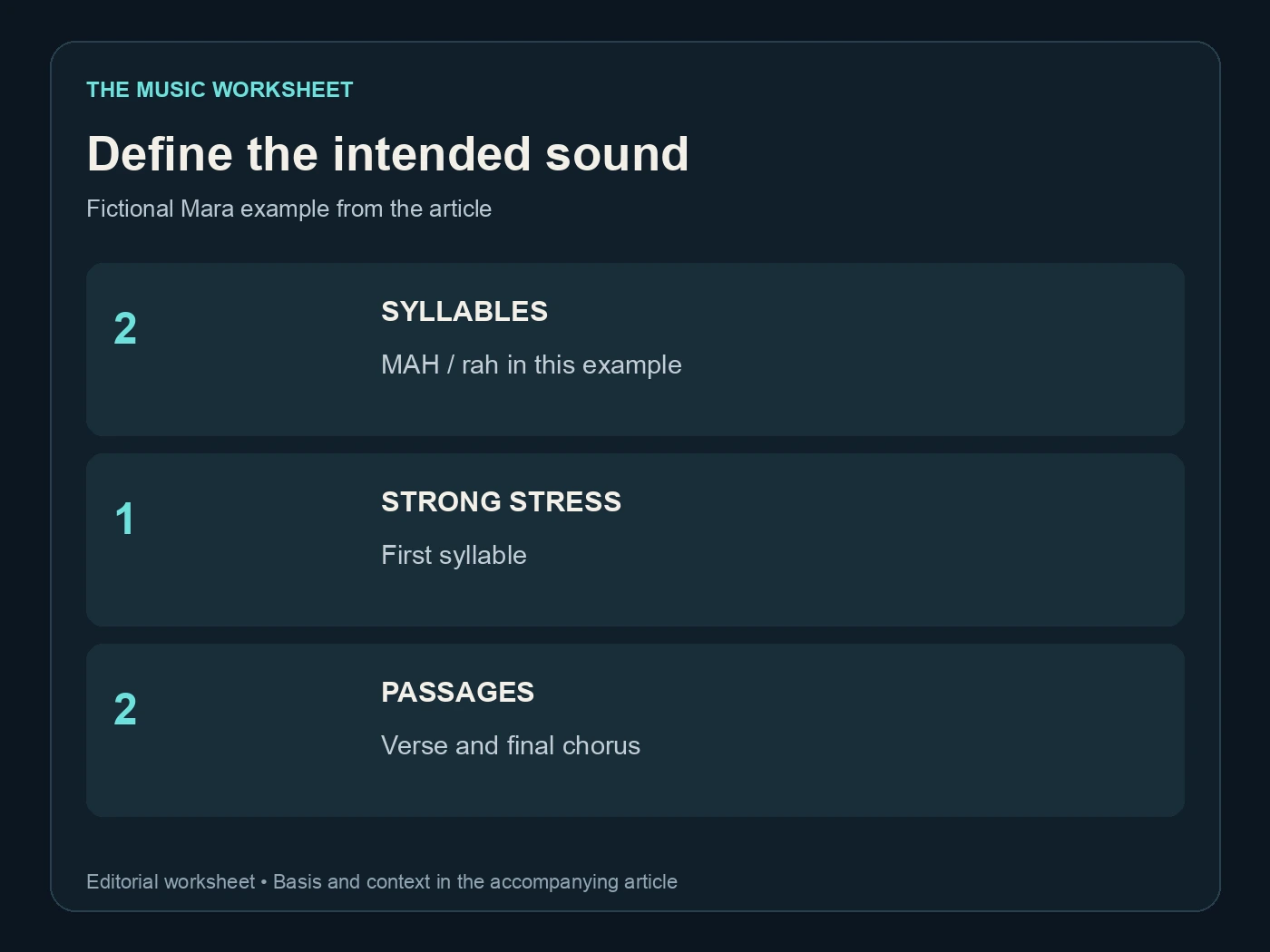
| Field | Example entry | Review count |
|---|---|---|
| Written name | Mara | 1 spelling |
| Intended syllables | MAH / rah | 2 syllables |
| Stress | First syllable | 1 strong stress |
| Target locations | Verse and final chorus | 2 passages |
Count every appearance of the word. A repaired first chorus does not prove the final chorus changed too. Mark approximate timestamps so the later listening check covers the actual song, including ad-libs and repeated endings.
2. Decide whether spelling or line rhythm is the problem
Read the line aloud at a steady pace before changing a model setting. If you rush the name or naturally stress the wrong syllable to finish the sentence, the phrase may be fighting its musical position. Removing an unnecessary adjective can be more useful than inventing increasingly elaborate spellings.
Compare three written options: the original line, a shorter line with the same meaning, and a line that places the name earlier or later. Keep the intended sound constant. You want to discover whether the surrounding words are making a clear pronunciation difficult.
A phonetic spelling is an experiment. It may help a model choose a vowel, but it can also introduce an unwanted consonant or make captions look strange. Hyphens, capitals and punctuation are not guaranteed pronunciation controls. Test one change at a time and record what the exported audio actually says.
For multilingual lyrics, have a fluent speaker check the complete phrase. A convincing accent and a correct word are separate judgments. Be particularly careful with meaningful changes caused by stress, vowel length or tone; an English approximation can erase the distinction you need.
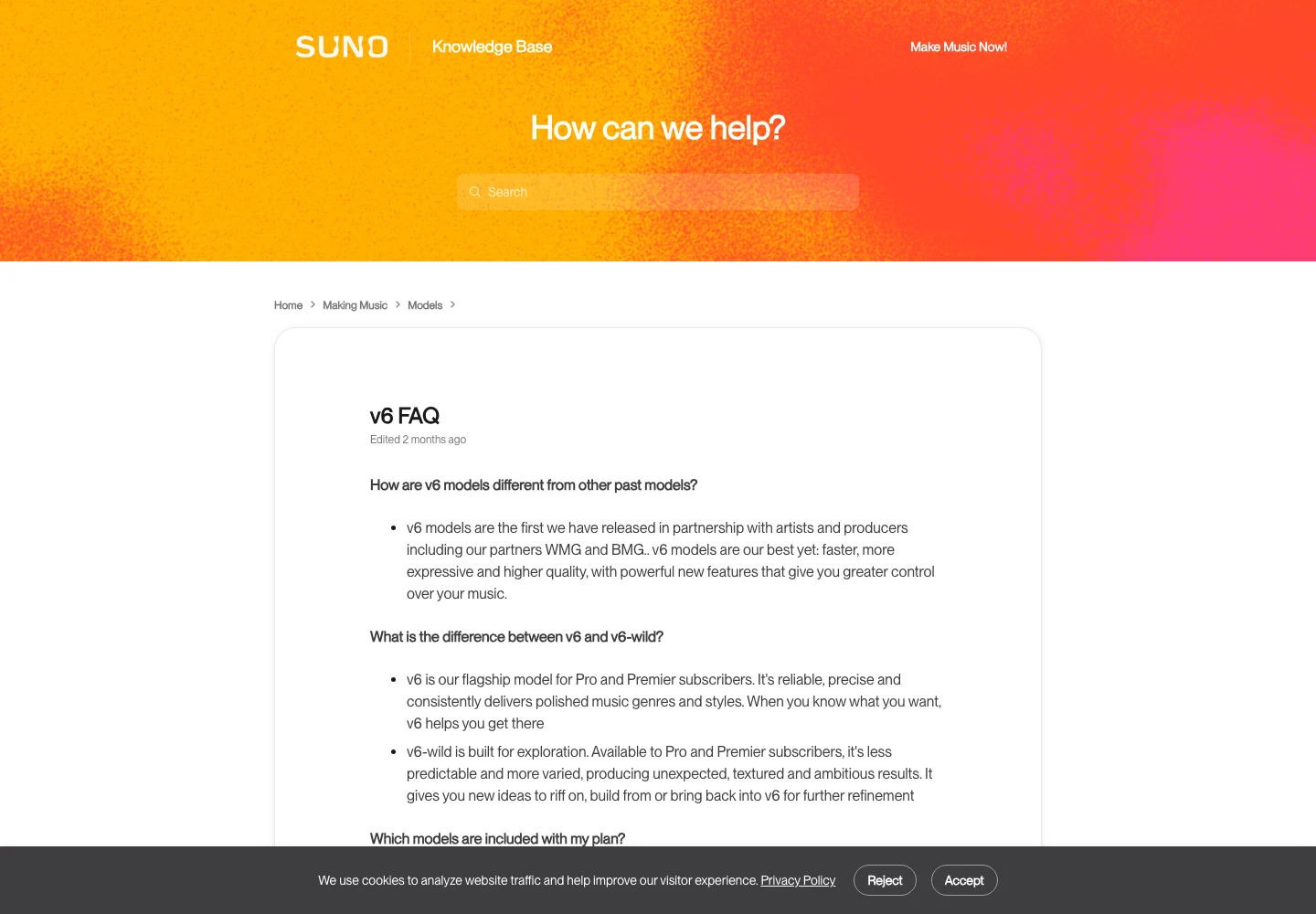
Suno’s V6 overview describes its current model family. It does not turn arbitrary phonetic notation into a guaranteed instruction language. Use the model information to choose a suitable creation route, then judge the word by listening.
Our Suno V6 guide explains the wider model workflow; keep this repair focused on the phrase you need to hear.
3. Repair the smallest useful section in Suno
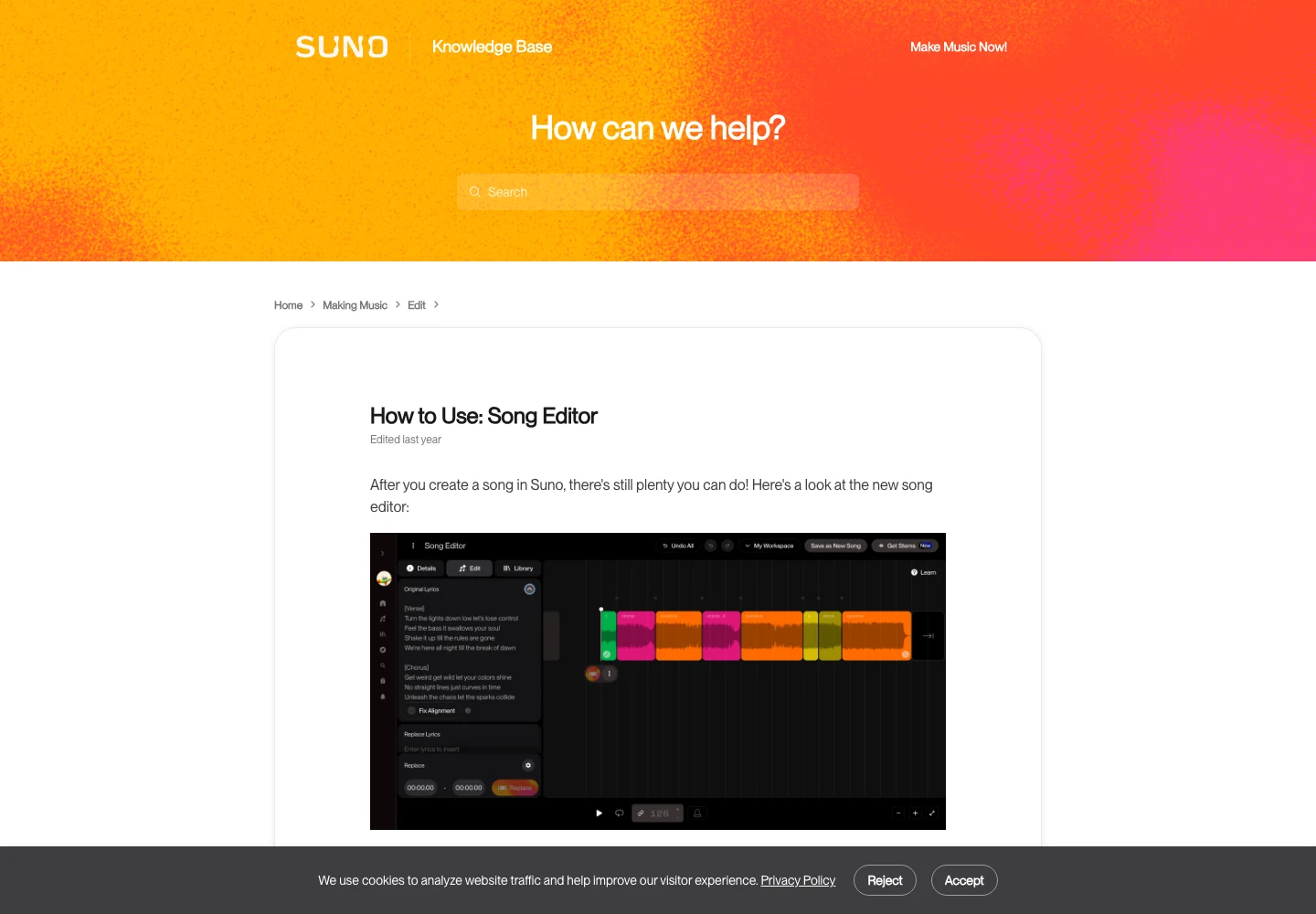
Suno’s Song Editor documentation describes selecting a region, changing its lyrics and generating a replacement. The exact controls available depend on the current interface and your plan. First identify a region that contains the complete phrase, with enough surrounding music to make its rhythm clear.
Do not place a boundary through the middle of the name. Give the replacement a sensible musical beginning and ending. If the phrase begins before the bar line, include that pickup. If the final vowel carries into the following bar, include the decay rather than chopping it at the written sentence boundary.
Change the phrase in one deliberate way. For example, keep the existing melody-oriented brief and shorten the two words before the name. Save the candidate as a new version. If it fixes the name but changes the emotional delivery too much, that is a tradeoff to review rather than an automatic improvement.
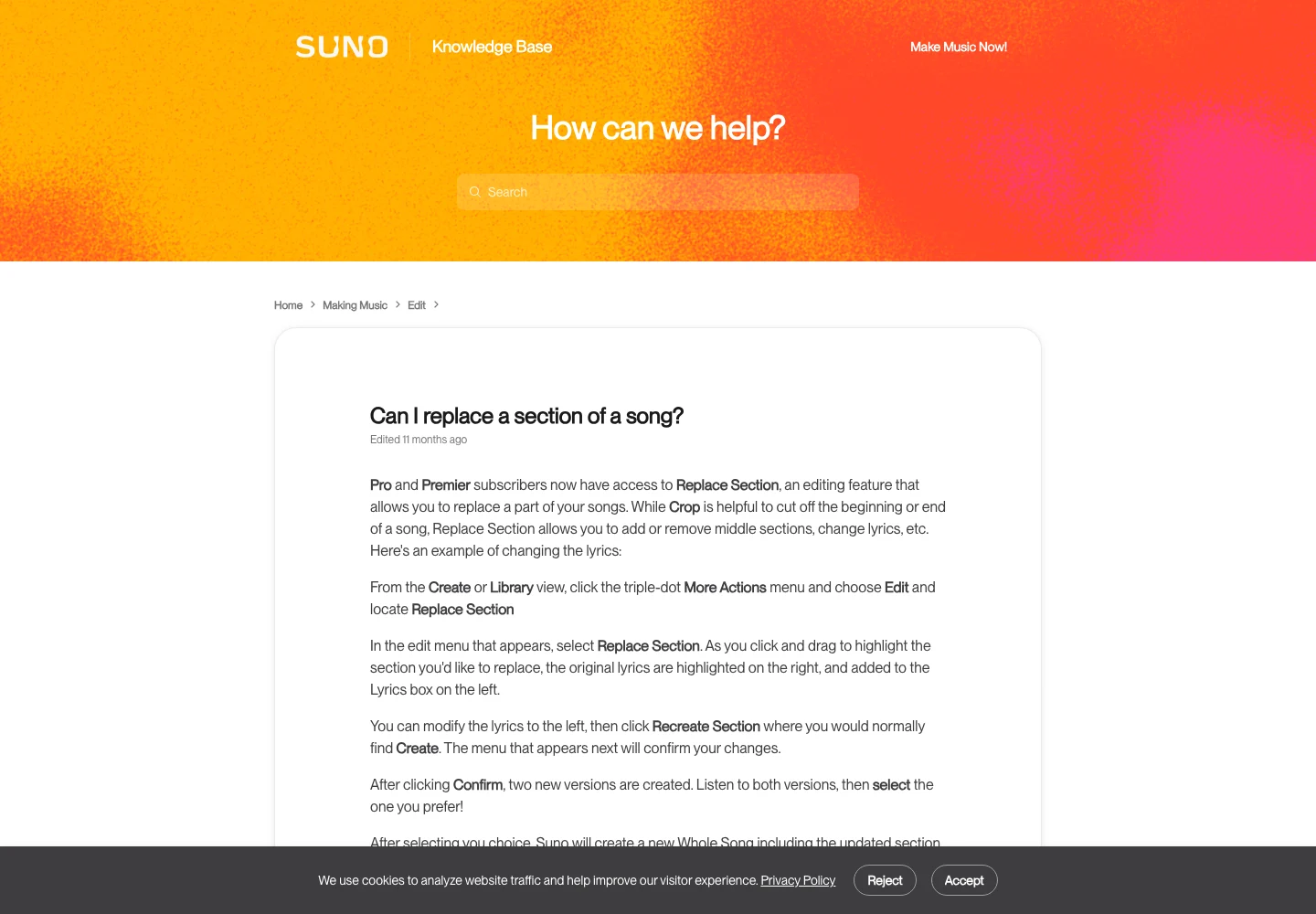
The Replace Section guide explains the replacement workflow and alternative candidates. Some screenshots and plan wording in older help articles predate V6, so check current access on Suno’s pricing page. Do not budget a project around an old free-download allowance.
Listen to the edited line at normal speed before inspecting it in isolation. A word can sound acceptable on its own while the transition into it sounds stitched together. Then compare the previous and next phrases for a change in vocal tone, reverb, level or background arrangement.
4. Use a small comparison sheet
A useful candidate sheet has separate columns for pronunciation, musical fit and continuity. Avoid one vague score labelled “quality.” A candidate with the right name and a poor transition tells you something specific: the wording may now be workable, while the selected region needs another attempt.
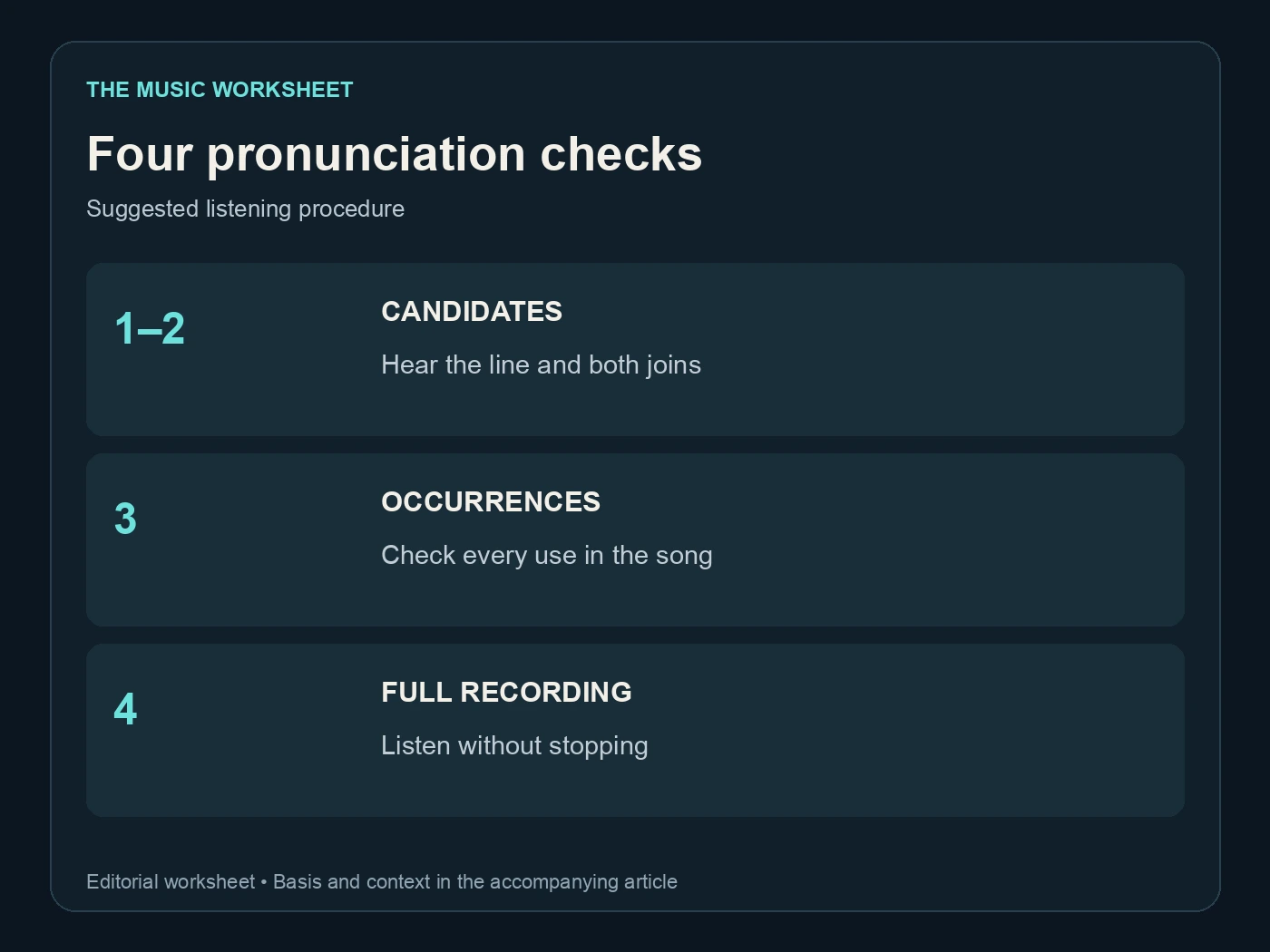
The following is a proposed review schedule. The numbers are listening passes, not model success rates or required generation counts. Two candidate repairs give you a manageable first comparison without implying that either one will be acceptable.
| Pass | What to hear | Files in this example |
|---|---|---|
| 1 | Name inside its complete line | 2 candidates |
| 2 | Transition before and after the line | 2 candidates |
| 3 | Every occurrence in the selected song | 1 selected file |
| 4 | Complete uninterrupted recording | 1 selected file |
Ask a second listener to identify the word without reading the lyric sheet first. If they can only hear the intended name after you tell them what it should say, the result may still be ambiguous. This is particularly useful for gifts, advertisements and songs delivered to someone who did not participate in the edit.
Keep the unsuccessful candidate notes brief: “correct vowels, missing final consonant” is more useful than “bad.” After several attempts with the same failure, return to the line itself. Repeated generation is not evidence that a difficult sentence will eventually fit its melody.
5. Develop clearer lyrics with WaveQuake
WaveQuake offers a different starting point when the lyric needs more work before production. Its Songwriter workflow develops song ideas and lyrics, while Soundprint turns a reference direction into an editable musical brief. The useful role here is to explore a phrase that sounds natural when spoken and sung.
Give the writing step a precise constraint: preserve the dedication, use the target name once in the chorus, leave space around it and avoid a rhyme that forces the wrong vowel. Ask for alternatives with different word orders. Read each option aloud before committing to a generation.

WaveQuake’s public help page describes its creation and editing workflows. This guide does not claim it has a dedicated pronunciation dictionary or a guaranteed surgical repair for an existing Suno vocal. Treat a new WaveQuake performance as a new candidate recording, with its own delivery and pronunciation to approve.
The current pricing page lists a $149.99 one-time founder offer with unlimited Standard Generations. Voice conversion uses a separate purchased-minute system, so “unlimited” should not be stretched to describe every voice feature. Check the current offer and included limits before buying for a client project.

For a custom song service, separate the lyric approval from the audio approval. A buyer can confirm the meaning and spelling before you invest in arrangements. They still need to hear the final performance; an approved written name does not establish an approved sung pronunciation.
The WaveQuake review covers the studio beyond this lyric-writing step.
6. Keep generation spelling out of the delivery sheet
Maintain two documents when you experiment with phonetic text. The working lyric records exactly what you entered into the generation tool. The delivery lyric uses the correct public spelling, punctuation and agreed wording. Give both a version number so they cannot be confused later.
This matters when you make captions, lyric videos or distributor lyric submissions. Copying “MAH-rah” from a working prompt into a birthday video may look careless even if the audio is right. Conversely, correct captions cannot repair an incorrectly sung name.
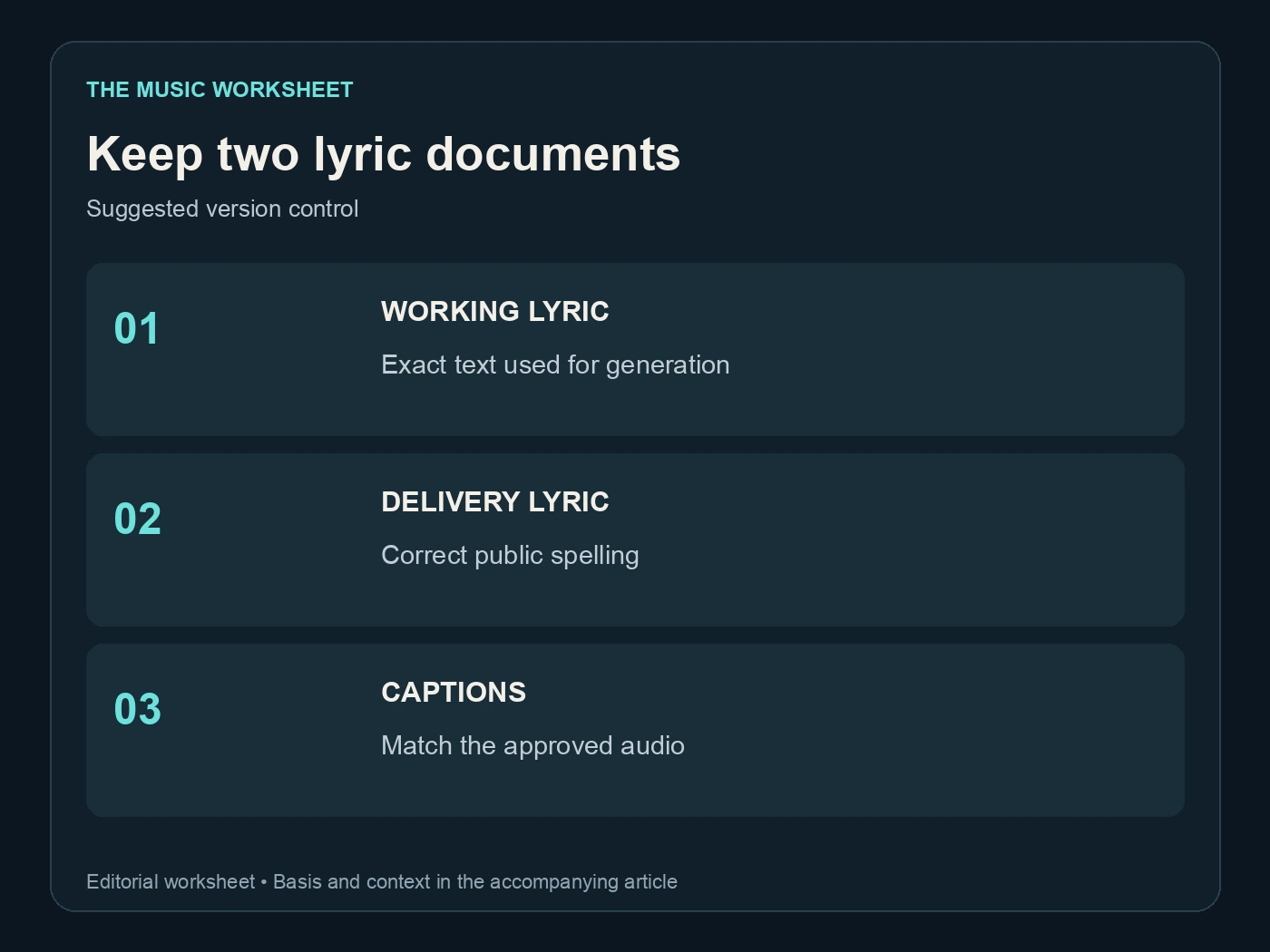
Check any automatically generated captions against the final audio. If an edit changed a contraction or repeated a word, the lyric sheet may now be out of sync. A pronunciation repair is a good moment to verify the whole line, including the words that were supposed to remain unchanged.
For a released track, keep the selected source and the approved final export together. If you use Undetectr in your audio-preparation workflow, compare the resulting download with that approved performance. Processing is a separate stage; it does not replace the name, lyric or full-song checks described here.
7. Know when a human performance is the practical answer
Some names, dialects and expressive deliveries deserve a recorded performance from a singer who can follow direct feedback. That choice can save time when a commission requires a precise pronunciation, a particular emotional emphasis or several language-specific details in the same line.
Send the singer the pronunciation reference, ordinary lyric sheet, tempo information and the exact passages you need. Agree on whether the job includes harmonies, doubles and revisions. Do not assume that a corrected lead vocal also corrects a backing vocal repeating the same word.
If you combine a recorded vocal with AI-generated accompaniment, check timing, key, phrasing and permissions for each source. Keep the provenance of the recording in your project notes. A voice model, a recorded singer and an AI-generated vocal can have different practical requirements even when they appear in the same production session.

Choose the route that produces an understandable, approved performance within the project’s constraints. The measure of success is the delivered song, not the number of generations used or the complexity of the prompt.
Use the AI vocals versus session singer guide when weighing a generated repair against a recorded performance.
8. Approve the actual file the listener will receive
Export the selected version, reopen that file and listen again. Check the name at every marked timestamp, then hear the complete recording without stopping. If a client is approving it, send that same version and keep their confirmation attached to its filename.
Keep the public spelling consistent across the filename, cover, captions and lyric sheet. A late spelling correction should trigger a quick check of every presentation asset, including short social clips that may have been rendered before the repair.
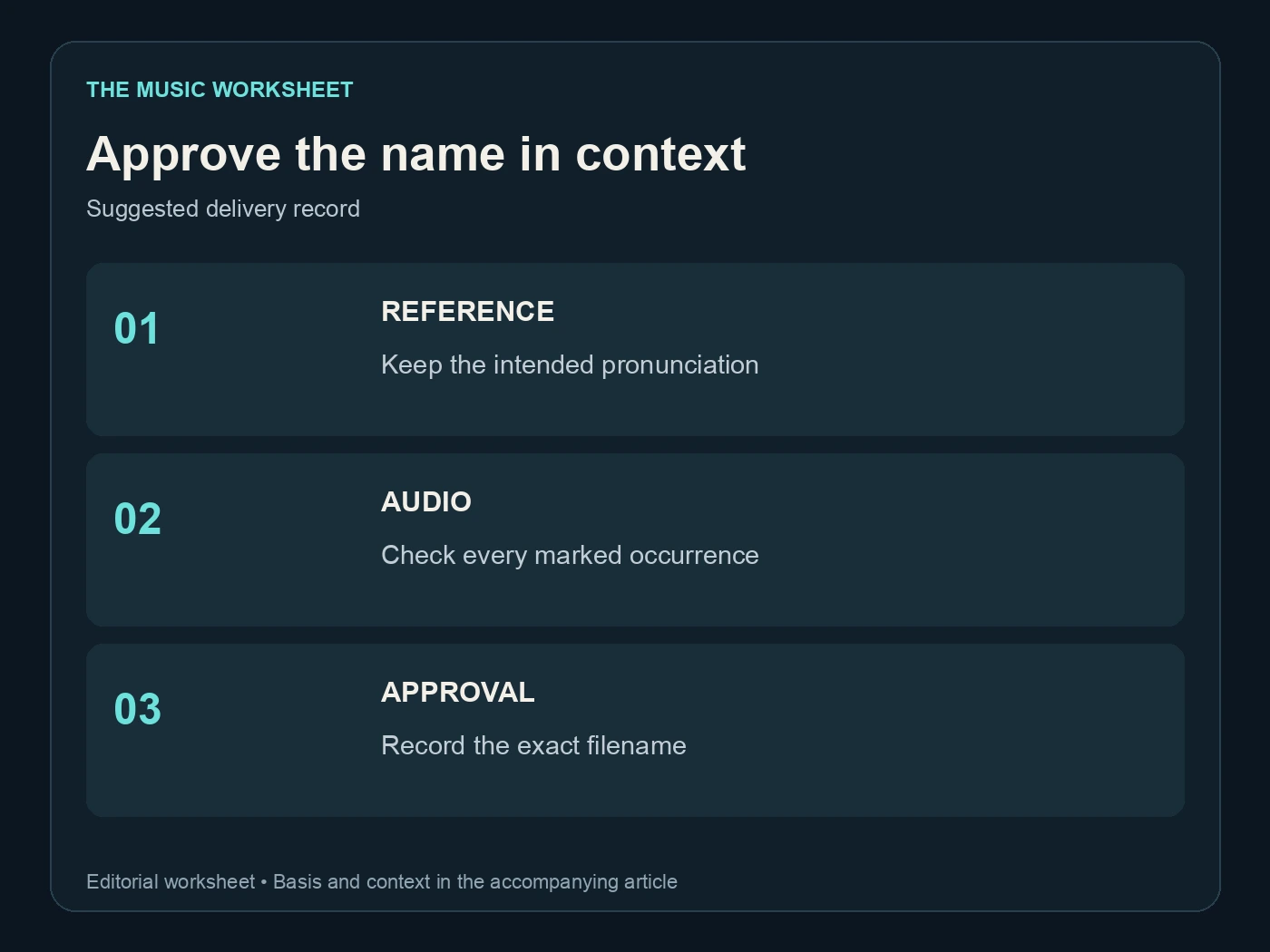
The final record can stay simple: source version, working lyric version, delivery lyric version, approved export and approval date. This gives you enough information to answer a later revision request without reopening a folder full of indistinguishable “final” files.
Related reading