AI Music
Suno vs Udio 2026: Which Should You Use?

Suno vs Udio used to be a coin toss on sound quality. In 2026 it is not close — and the reason has nothing to do with how they sound.
Here is the real comparison for anyone who wants to actually release AI music, not just make it.
The short version
For releasing music, Suno wins: it still allows downloads and grants commercial rights on paid plans. After its UMG settlement, Udio disabled downloads and went streaming-only.
Both leave inaudible detection markers, so whichever you pick, clean the file with Undetectr before you distribute.
The quick verdict
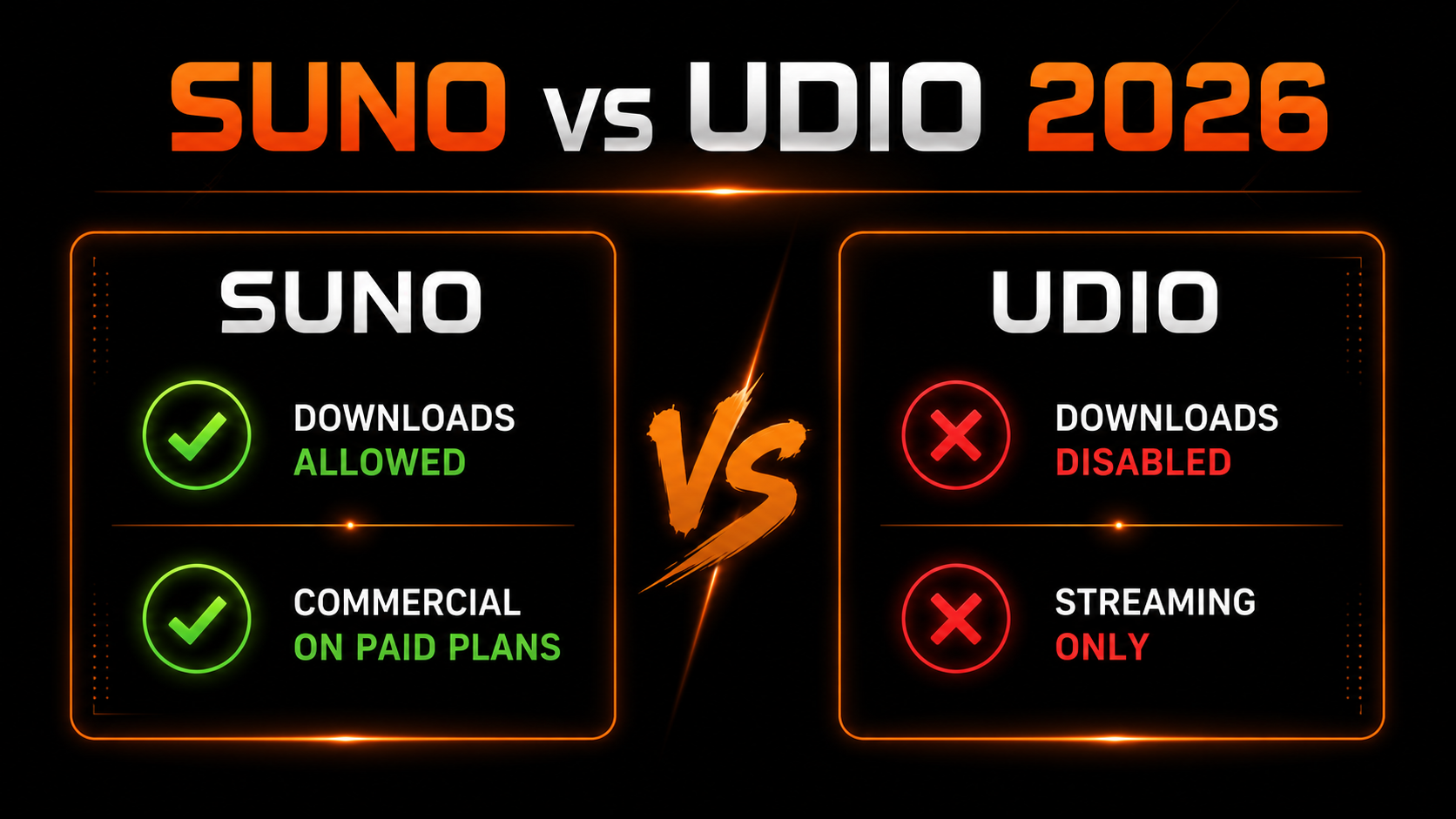
Both models make genuinely good music, and they swap the quality lead constantly. But quality is not what decides this anymore. One of them lets you take your track out of the app and release it, and one of them does not — and that single fact reshapes the whole comparison.
The download difference that changed everything
In late 2025, Udio settled the copyright suit brought by Universal Music Group. As part of the deal it disabled downloads of audio, video and stems and moved to a streaming-only model — you can make music in Udio, but you cannot export it. Suno, by contrast, still lets you download your tracks on paid plans and keep the commercial rights.
If your goal is a catalog on Spotify and Apple Music, that is decisive: a track you cannot export is a track you cannot distribute.
Which should you use?
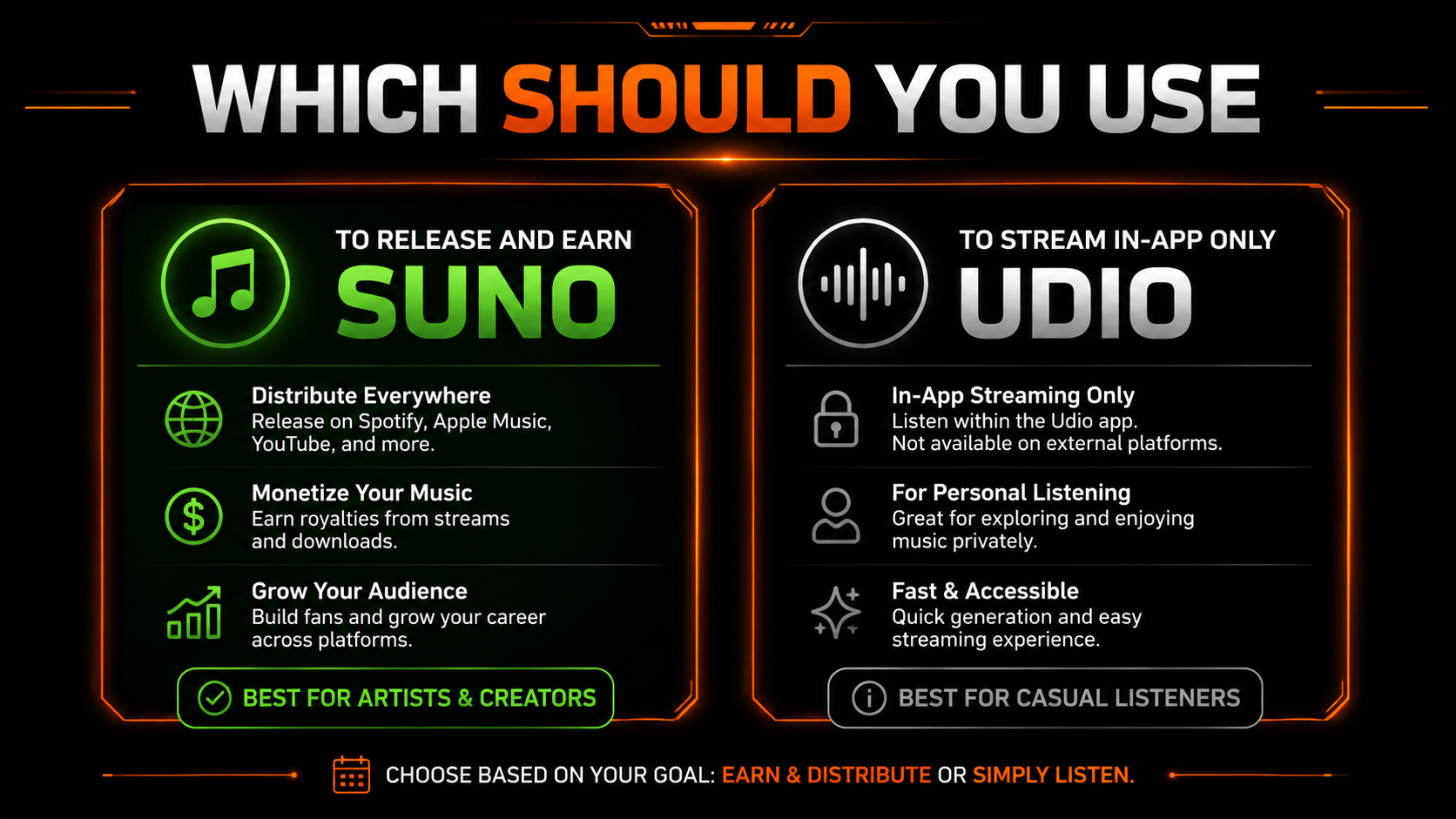
If you want to release and earn — distribute to platforms, collect royalties, build a catalog — Suno is the clear pick. If you just want to generate and stream inside an app for fun, Udio is a fine playground. For most people reading this, the goal is a live release, and that means Suno.
Both leave markers — clean before you distribute
Whichever you choose, the export is not upload-ready. Both generators bake inaudible detection markers into every file, and distributors scan for them.
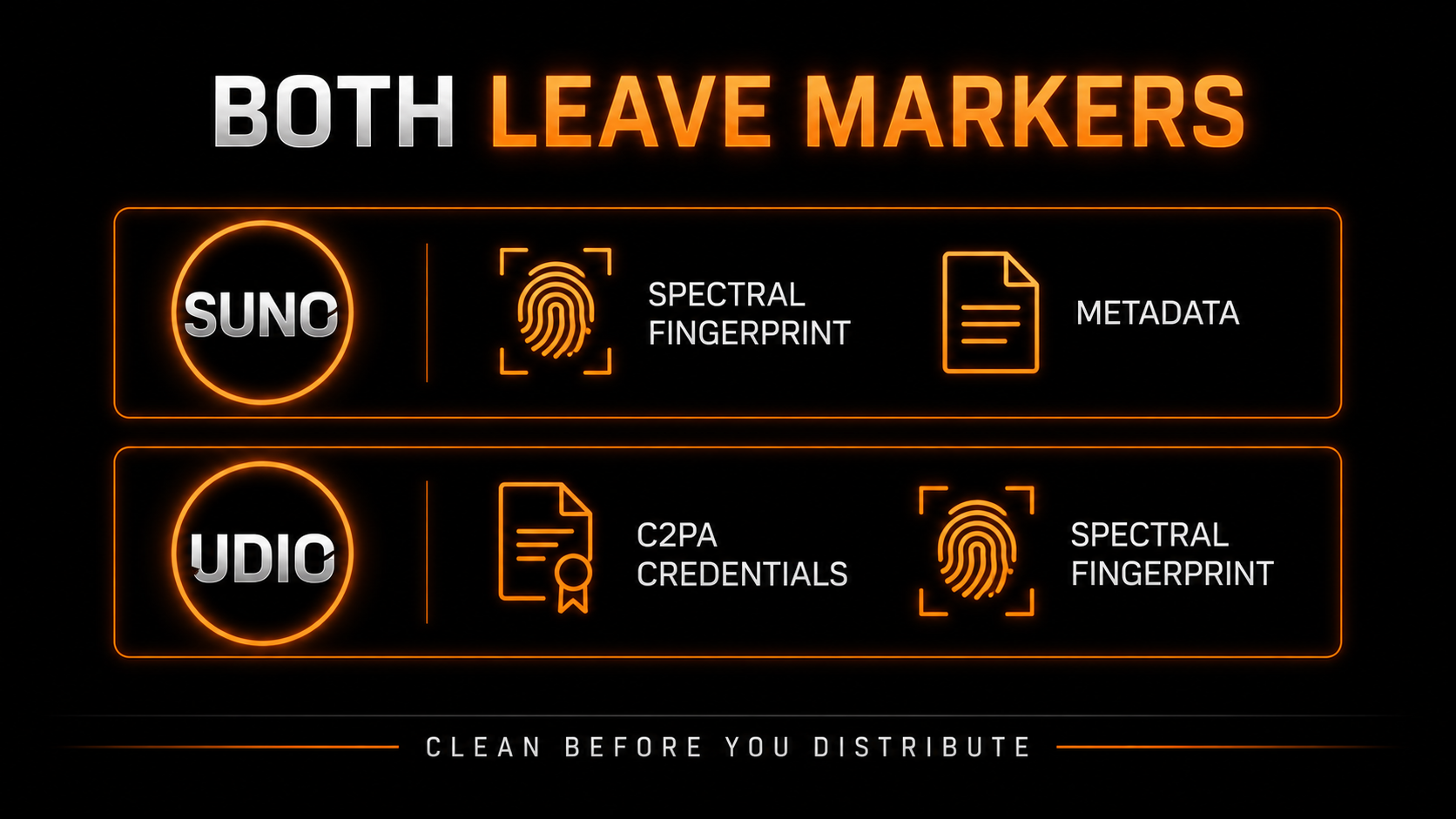
Suno leaves a spectral fingerprint and metadata; Udio leans on C2PA credentials and a fingerprint. Either way a raw export can be flagged and pulled. Undetectr — the only AI watermark remover built for music — strips those markers and masters the file to platform loudness in one pass, so a Suno track is genuinely ready to release.
The 2026 release workflow
Create on a paid tier so you can download the file and hold commercial rights.
Run the export through Undetectr to strip the markers and master to streaming loudness.
Verify your track is not too close to a released song. No tool does this for you.
Upload to DistroKid or your distributor, disclose AI use, and release.
Our recommended tool
Made it in Suno? Make it distributable.
Strip the markers, master to spec, and pass detection on the first upload. Try Undetectr free — no credit card, 150+ platforms.
Keep reading